Guides · Blog · Changelog
RSS Feed

Changelog

New features, performance enhancements, and fixes shipped to Klyko.

v0.1.4 Major Feature
Permalink

Tables in Notes, Smart Spreadsheet Paste, and Quick Session Controls

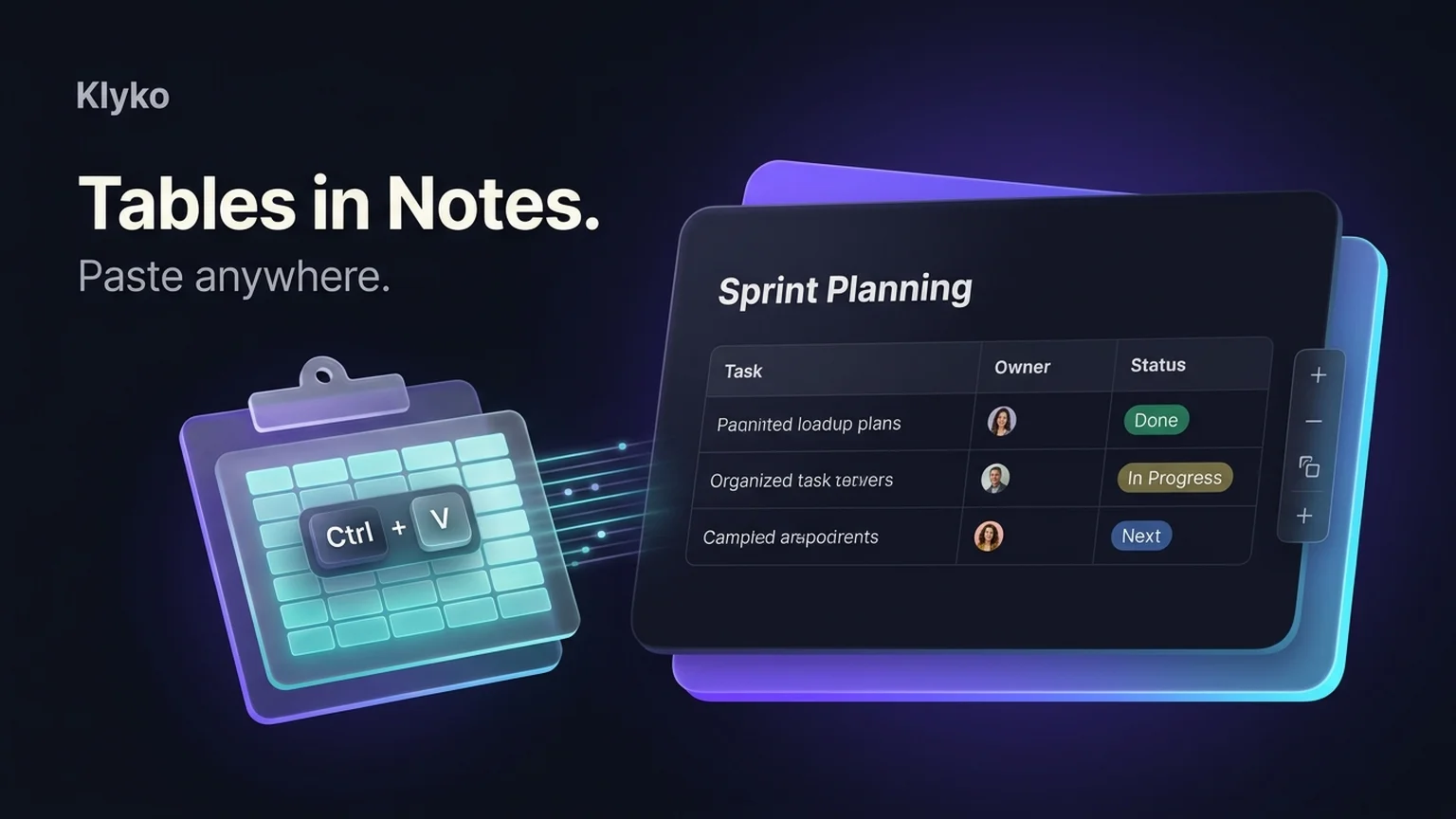
Paste structured tables directly from Google Sheets, Excel, or web pages into Klyko notes with auto-detection, format cells in an interactive table editor, and close saved session tabs in one click.
Keeping project context organized often requires more than simple text notes. Whether you are tracking sprint tasks, comparing product specs, or reviewing budgets, tabular data needs structure. Today’s release brings native table editing, intelligent clipboard paste detection, and streamlined tab session controls to Klyko.

New: Automatic Spreadsheet & Web Table Paste

You can now copy tabular data from Google Sheets, Microsoft Excel, Apple Numbers, Word, or any website table and paste it directly into a Klyko note with Ctrl+V (or Cmd+V on macOS).

  • Intelligent clipboard detection: Klyko automatically detects clipboard HTML tables and tab-separated values (TSV) and converts them into clean, structured Markdown tables.
  • Priority over screenshots: When productivity suites put both an HTML table and an unnecessary raster screenshot on the clipboard, Klyko prioritizes the editable table data.
  • Smart heuristics for mixed content: Single cells, single-column lists, tab-indented code snippets, and mixed narrative text paste cleanly as plain text without triggering unintended table formatting.

New: Interactive In-Note Table Editor

You no longer need to write raw Markdown pipe syntax (| Header |) by hand.

  • Cell navigation: Navigate seamlessly across cells using Tab and arrow keys.
  • Row and column controls: Insert new rows, add columns, and remove unnecessary data with clear table controls.
  • Polished rendering: Markdown tables render with clean borders, aligned columns, and responsive horizontal scrolling on compact screens.

Improved: One-Click Tab Session Controls

Managing active browser tabs alongside project boards is now faster:

  • Instant tab closing: Close open browser tabs directly from your saved session panel with a dedicated close action, allowing you to clear tabs without switching back and forth.
  • Simplified session restoration: Restoring a project's links and replacing window tabs now features clearer action labels and streamlined error handling.
v0.1.3 Collaboration
Permalink

Board Sharing Indicators, Visual Collaboration, and Sync Optimizations

Know your board privacy status at a glance with new visual sharing indicators, distinct blue header tinting for shared boards, and faster sync transactions.

Collaborating on client projects or sharing research sets requires absolute clarity over what is private and what is accessible to teammates. This release introduces prominent sharing indicators, visual board tinting, and significant performance gains for multi-device sync.

New: Prominent Board Sharing Indicators

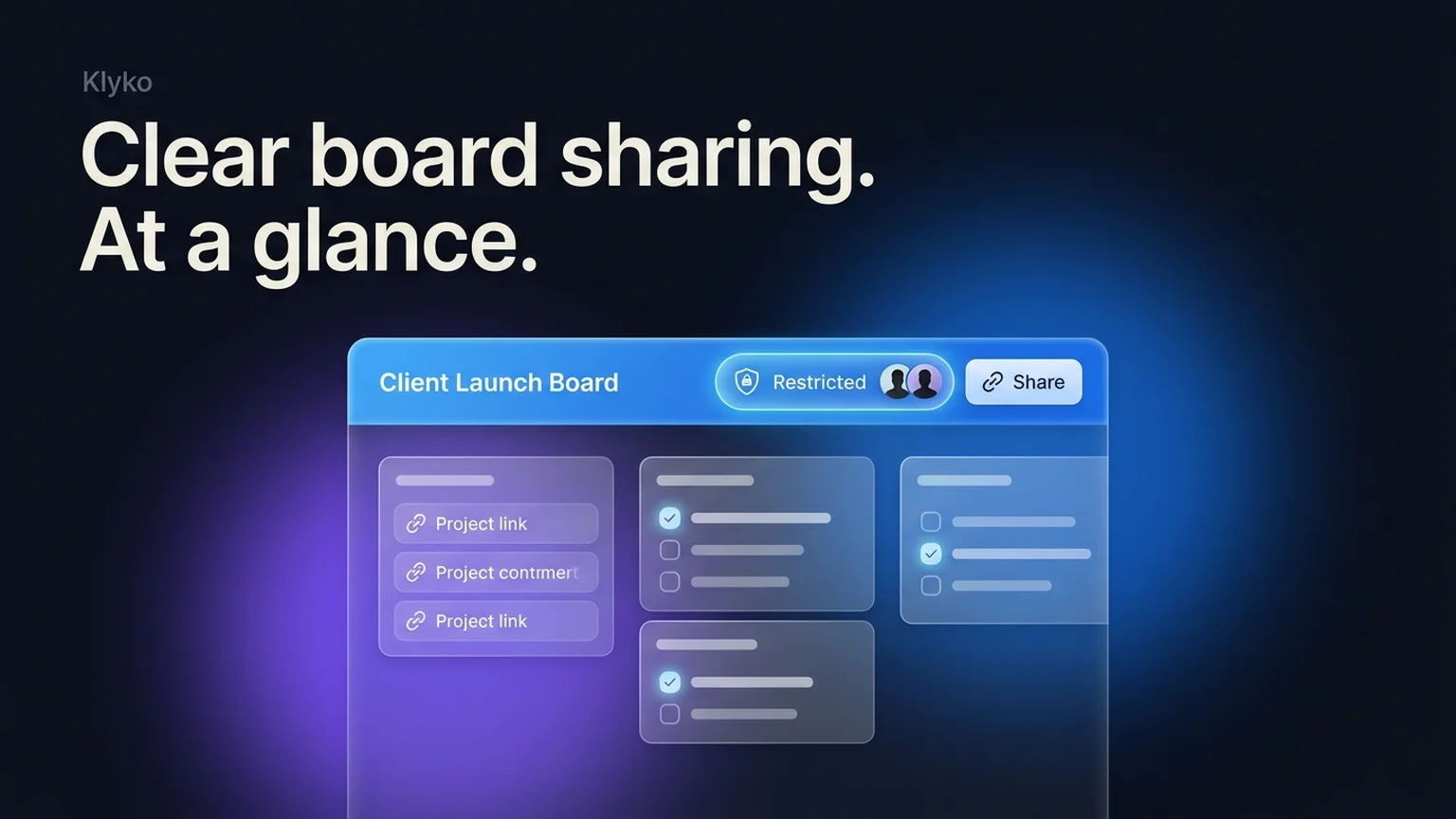
Every board header now displays an instant privacy status badge beside the share action:

  • Private: Only you can access the board from your connected devices and offline storage.
  • Restricted: Shared exclusively with specific authenticated team members or collaborators.
  • Public link: Anyone with the secret share link can view the board in read-only mode without needing an account.

New: Visual Blue Tinting for Shared Boards

When switching between multiple active workspaces, spatial awareness prevents accidental changes. Shared boards now feature a subtle, luminous azure header tint, making it instantly obvious when you are working in a shared project context rather than your personal sandbox.

Improved: Fast Sync Pulls and Board Startup

  • Optimized pull transactions: Link set stores and section metadata are bundled into consolidated sync transactions, reducing background network requests and database roundtrips.
  • Snappier board switching: Reduced initial board startup work ensures project boards open immediately, even on low-power mobile or laptop processors.
  • Consistent terminology: Standardized board naming and translation across English, German, Spanish, French, and Russian.
v0.1.2 Media & UX
Permalink

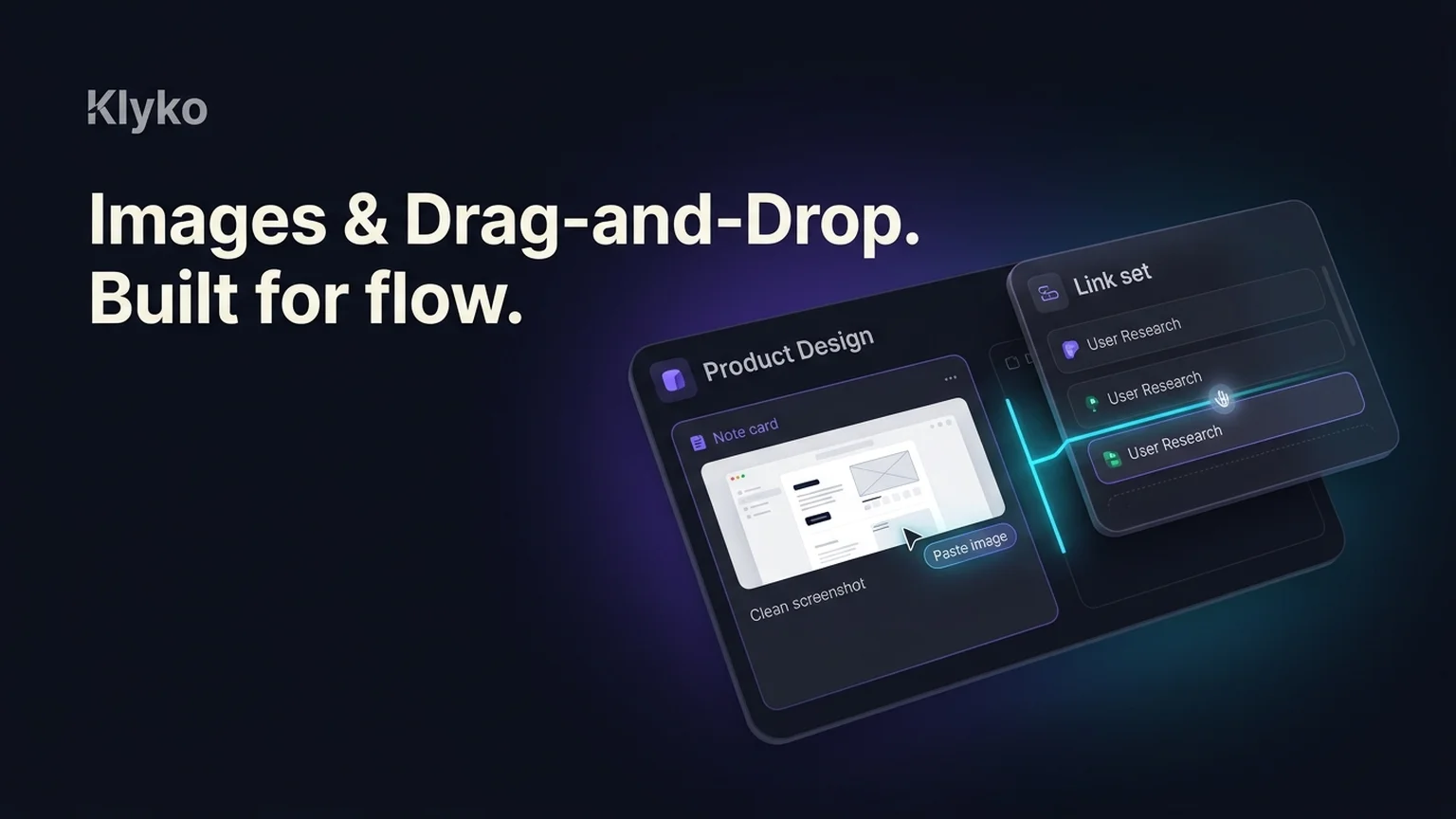
Image Attachments, Screenshot Pasting, and Drag-and-Drop Link Sets

Paste screenshots straight from your clipboard into notes and checklists, attach images to project cards, and reorganize link sets with fluid drag-and-drop.

Projects rarely consist of text alone. Design mockups, error screenshots, architectural diagrams, and reference photos are central to making decisions. This update introduces direct image pasting, fast attachments, and fluid drag-and-drop reorganization for links and tasks.

New: Direct Screenshot Pasting & Image Attachments

You can now paste screenshots and images directly into Klyko notes and checklists:

  • Instant clipboard paste: Press Ctrl+V (or Cmd+V) with any copied screenshot or image file, and Klyko uploads, optimizes, and embeds it immediately.
  • Client-side optimization: Images are resized and compressed locally in your browser before upload, ensuring ultra-fast transfers and minimal bandwidth consumption.
  • Markdown rendering & lightbox: Embedded images display with native Markdown syntax ![alt](url) and expand into a full-resolution lightbox view on click.
  • Offline-ready caching: Recently viewed images cache in browser storage for instant retrieval even when disconnected from the internet.

New: Fluid Drag-and-Drop for Link Sets

Organizing saved tabs into structured work streams is now effortless:

  • Precision drop targets: Drag links or entire link sets between board sections, or drop directly after existing cards with visual alignment indicators.
  • Sidebar drag detection: Drag items across the sidebar to transfer resources between boards seamlessly without multiple copy-paste steps.

Improved: Clickable Links & Voice Dictation

  • Auto-linked URLs: Plain web URLs inside notes and checklists automatically turn into safe, clickable external links.
  • Speech-to-text dictation: Dictate quick thoughts and checklist items on the fly using the integrated microphone button.

Have a feature request or feedback?

We build updates continuously based on how real people organize project context.

Open Klyko