Board Sharing Indicators, Visual Collaboration, and Sync Optimizations
Know your board privacy status at a glance with new visual sharing indicators, distinct blue header tinting for shared boards, and faster sync transactions.
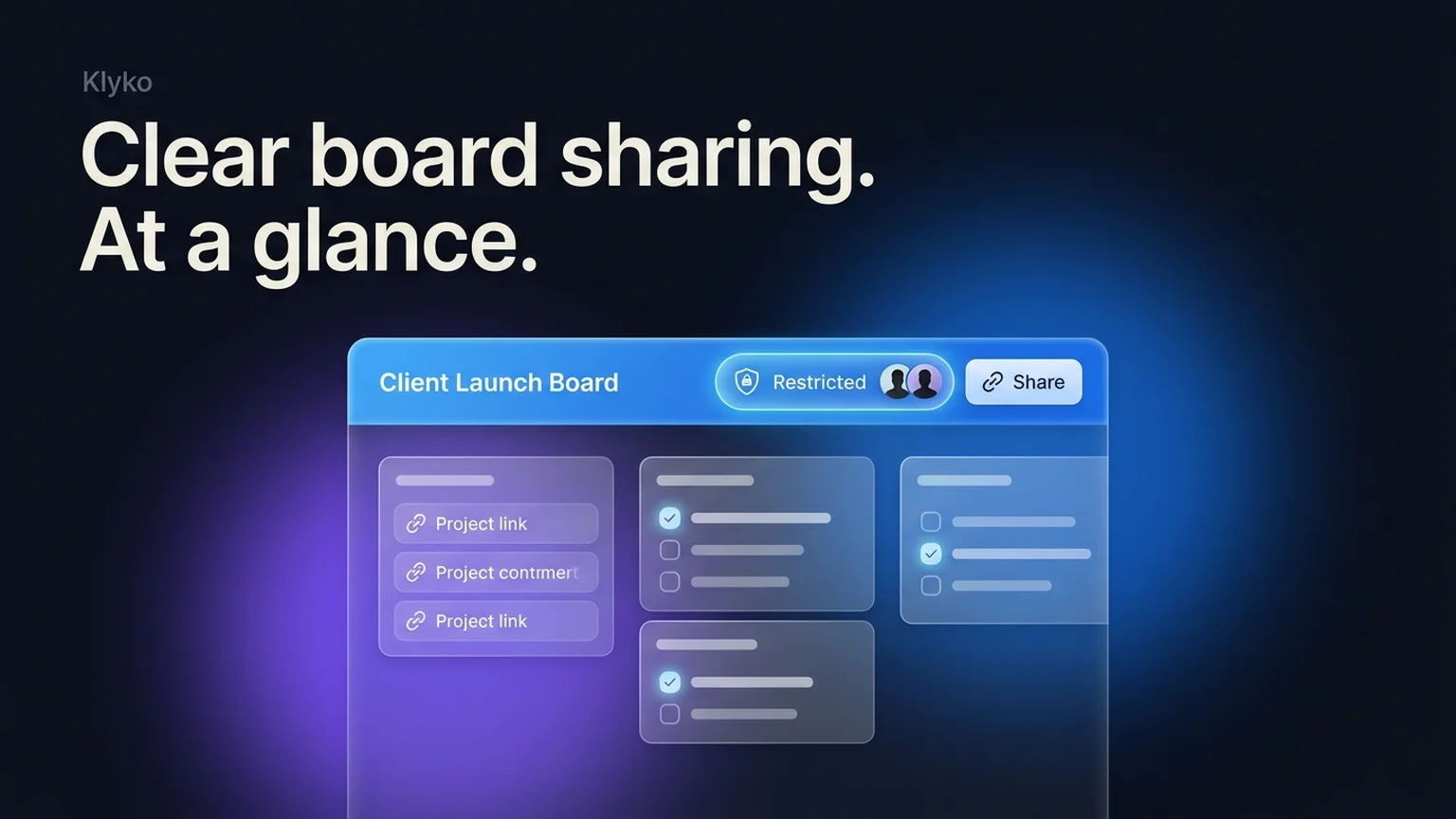
Collaborating on client projects or sharing research sets requires absolute clarity over what is private and what is accessible to teammates. This release introduces prominent sharing indicators, visual board tinting, and significant performance gains for multi-device sync.
New: Prominent Board Sharing Indicators
Every board header now displays an instant privacy status badge beside the share action:
- Private: Only you can access the board from your connected devices and offline storage.
- Restricted: Shared exclusively with specific authenticated team members or collaborators.
- Public link: Anyone with the secret share link can view the board in read-only mode without needing an account.
New: Visual Blue Tinting for Shared Boards
When switching between multiple active workspaces, spatial awareness prevents accidental changes. Shared boards now feature a subtle, luminous azure header tint, making it instantly obvious when you are working in a shared project context rather than your personal sandbox.
Improved: Fast Sync Pulls and Board Startup
- Optimized pull transactions: Link set stores and section metadata are bundled into consolidated sync transactions, reducing background network requests and database roundtrips.
- Snappier board switching: Reduced initial board startup work ensures project boards open immediately, even on low-power mobile or laptop processors.
- Consistent terminology: Standardized board naming and translation across English, German, Spanish, French, and Russian.
Try these new features now in Klyko
Klyko runs offline in your browser, keeping your links, notes, checklists, and next steps organized by project.