
v0.1.2 Media & UX
Image Attachments, Screenshot Pasting, and Drag-and-Drop Link Sets
Paste screenshots straight from your clipboard into notes and checklists, attach images to project cards, and reorganize link sets with fluid drag-and-drop.
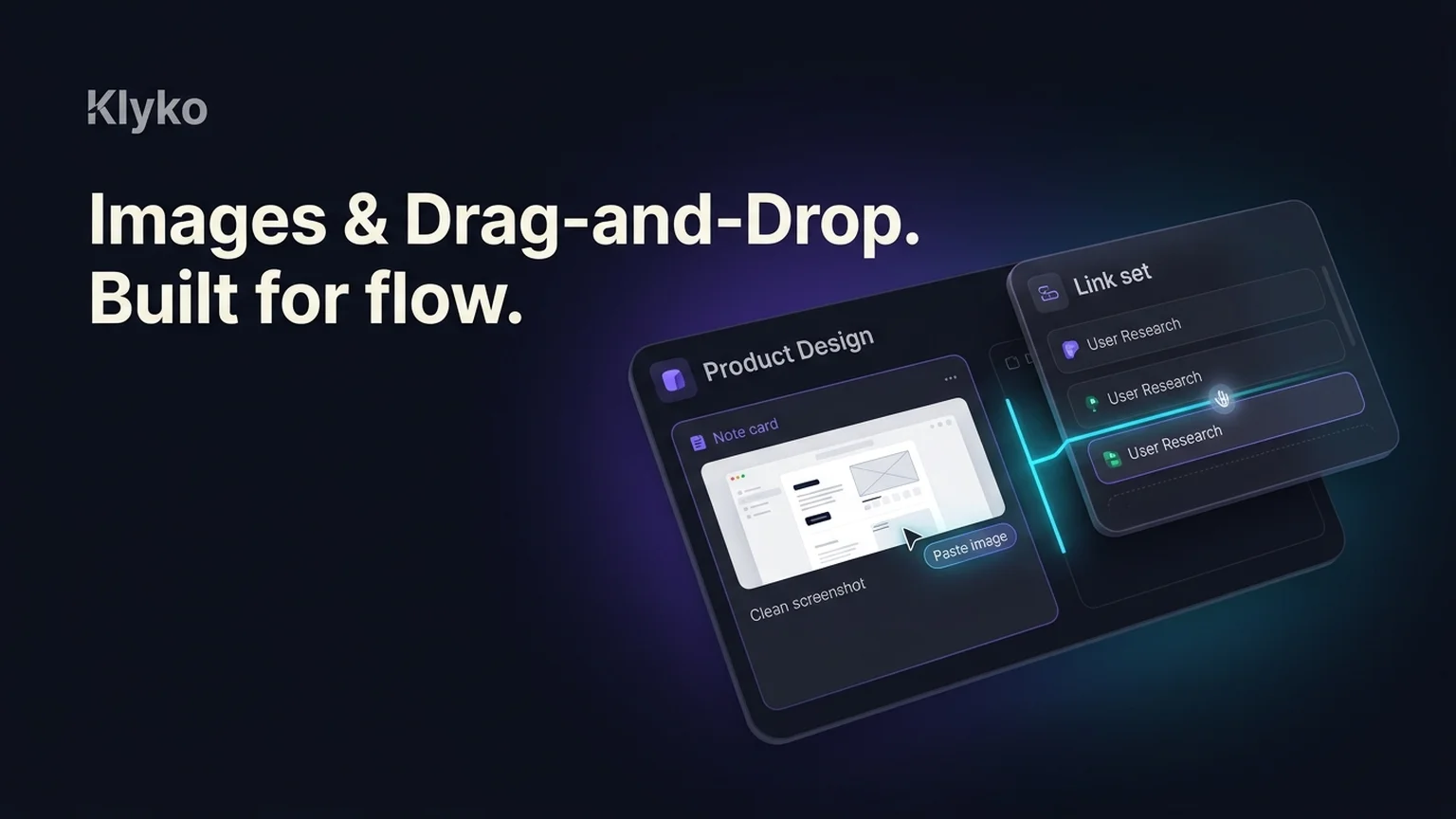
Projects rarely consist of text alone. Design mockups, error screenshots, architectural diagrams, and reference photos are central to making decisions. This update introduces direct image pasting, fast attachments, and fluid drag-and-drop reorganization for links and tasks.
New: Direct Screenshot Pasting & Image Attachments
You can now paste screenshots and images directly into Klyko notes and checklists:
- Instant clipboard paste: Press Ctrl+V (or Cmd+V) with any copied screenshot or image file, and Klyko uploads, optimizes, and embeds it immediately.
- Client-side optimization: Images are resized and compressed locally in your browser before upload, ensuring ultra-fast transfers and minimal bandwidth consumption.
- Markdown rendering & lightbox: Embedded images display with native Markdown syntax
and expand into a full-resolution lightbox view on click. - Offline-ready caching: Recently viewed images cache in browser storage for instant retrieval even when disconnected from the internet.
New: Fluid Drag-and-Drop for Link Sets
Organizing saved tabs into structured work streams is now effortless:
- Precision drop targets: Drag links or entire link sets between board sections, or drop directly after existing cards with visual alignment indicators.
- Sidebar drag detection: Drag items across the sidebar to transfer resources between boards seamlessly without multiple copy-paste steps.
Improved: Clickable Links & Voice Dictation
- Auto-linked URLs: Plain web URLs inside notes and checklists automatically turn into safe, clickable external links.
- Speech-to-text dictation: Dictate quick thoughts and checklist items on the fly using the integrated microphone button.
Tags: #images#screenshots#drag-and-drop#link-sets#notes
Try these new features now in Klyko
Klyko runs offline in your browser, keeping your links, notes, checklists, and next steps organized by project.