Zen Browser Workspaces vs Dedicated Tab Managers: Do You Need a New Browser for Project Context?
· 7 min read
Following The Browser Company's announcement that Arc will be sunsetted in late 2026, thousands of power users started searching for a new home. Among the alternatives, Zen Browser—an open-source, Gecko-based browser focused on vertical tabs, workspaces, and customizable sidebars—quickly became the community favorite on Reddit and GitHub.
Zen delivers what many wanted Arc to be: privacy-focused, open source, and built without aggressive AI gimmicks.
However, many switchers quickly encounter an unexpected reality: organizing your work inside a custom browser engine introduces distinct technical and operational compromises.
Before migrating your entire daily workflow into Zen—or any other bespoke browser—it pays to understand how browser-level spaces actually work and where a dedicated workspace manager is fundamentally more resilient.
How Zen Browser implements spaces and workspaces
Unlike Arc, which relied on a heavily customized Chromium engine and proprietary cloud sync, Zen Browser is built on Mozilla’s Gecko engine (the foundation of Firefox).
Zen manages multi-project work through two distinct mechanisms:
- Visual Workspaces: You can create distinct spaces in the sidebar (e.g., "Personal", "Work", "Research"), each holding its own row of vertical tabs.
- Firefox Multi-Account Containers: Behind the scenes, Zen allows you to assign specific Firefox containers to each workspace. This isolates cookies and authentication states, allowing you to stay logged into different Google, GitHub, or AWS accounts across different spaces.
On paper, this sounds like the holy grail of tab management. In practice, power users frequently run into structural edge cases.
| Feature | Zen Browser (Native Spaces) | Klyko (Local-First Workspaces) |
|---|---|---|
| Browser lock-in | Tied strictly to Zen (Gecko engine). Cannot access spaces from Chrome, Edge, or Brave. | Universal: Runs in any browser, mobile or desktop, without engine lock-in. |
| Project context | URLs and tab titles only. No integrated markdown notes, tables, or checklists. | Complete: Saved links live beside project notes, comparison tables, and next actions. |
| Account isolation | Deep container isolation per workspace via Firefox Multi-Account Containers. | Focuses on project organization and launch sets; uses browser's active login profile. |
| Session recovery & backups | Dependent on Firefox session restore files; external session extensions frequently break. | Durable IndexedDB: Automated local persistence with one-click JSON/Markdown backup. |
| Selective task launching | Opens entire spaces or leaves background tabs sleeping. | Link Sets: Open only the 3–4 tabs needed for a specific subtask with one click. |
Four friction points with browser-level workspaces
Why do so many users who love Zen's visual design still look for external workspace managers? Reddit community threads in r/zen_browser and r/browsers point to four recurring friction points:
1. The "Essentials" leak and container setup complexity
In Arc, pinned favorites were intuitive. In Zen, pinned "Essential" tabs initially appear across all workspaces unless you manually configure container mappings in Settings -> Tab Management -> Pinned Tabs. Users often find their personal email or social logins bleeding into client workspaces until they master container routing rules.
2. External session managers break Zen spaces
When users switch to Zen, many attempt to use popular backup extensions like Tab Session Manager or Session Boss to safeguard their work against crashes. However, because Zen’s internal workspace APIs differ from standard Firefox, these extensions frequently fail:
- Restoring a saved session often dumps 60 tabs from four different spaces into a single disordered window.
- Workspace associations get stripped, forcing users to manually re-sort tabs one by one.
3. The Gecko engine and workplace compatibility
While Firefox and Gecko are exceptional for web standards and privacy, many enterprise tools, corporate VPNs, and internal single-sign-on (SSO) portals are explicitly optimized for Chromium. If your employer requires you to use Google Chrome or Microsoft Edge on your company laptop, Zen's native spaces are completely out of reach.
4. Cross-device and mobile sync limitations
Arc spent millions building custom real-time sync infrastructure. Zen relies on the standard Firefox Sync protocol. While Firefox Sync handles bookmarks and basic history well, syncing dynamic workspace states, pinned essentials, and split-view layouts across multiple desktop and mobile devices remains an active engineering hurdle.
Browser-level spaces vs application-level workspaces
The demise of Arc proved a fundamental software principle: your project context should never be held hostage by a browser startup.
When you store your ongoing projects inside a specific browser’s tab strip:
- If that browser is discontinued, you are forced into an emergency migration.
- If the browser profile corrupts, your saved research, bookmarks, and session states disappear.
- A browser tab only stores a URL; it cannot hold the rationale behind why you saved that link, what decision you made, or what you need to do next.
In contrast, an application-level workspace manager like Klyko decouples your project data from the browser engine:
- Local-first durability: Your project boards, bookmarks, notes, and tables are stored in your device’s local IndexedDB sandbox. Even if you completely reinstall or switch your browser, your project data remains safe.
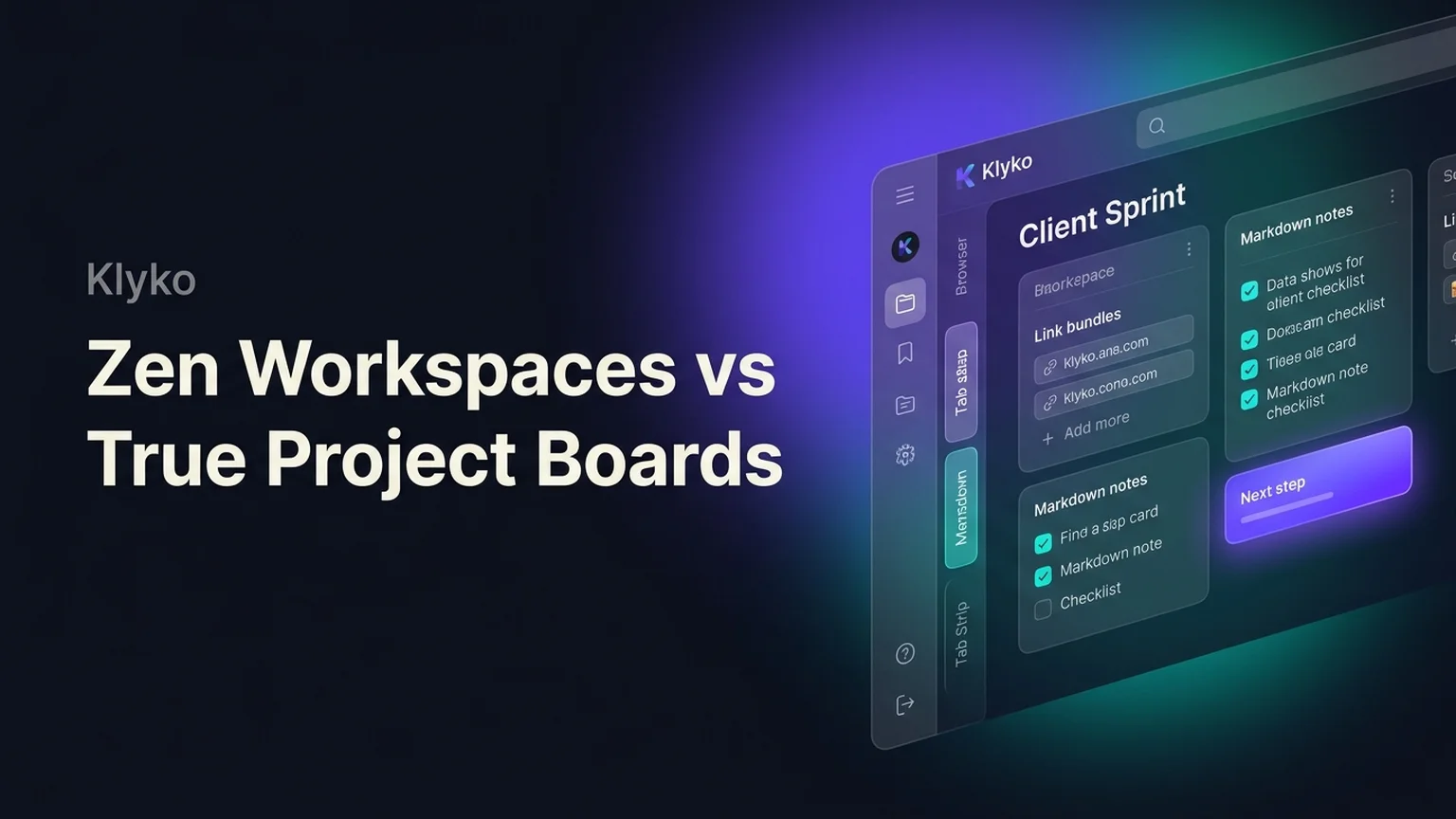
- True project context: Instead of staring at an overwhelming row of 30 tabs, a Klyko board holds your links alongside markdown documentation, checklists, structured tables, and a prominent Next Step anchor.
- Engine agnostic: You can use Zen for personal browsing at home, Chrome for work client meetings, and Brave on your laptop—while accessing the exact same project boards everywhere.
The ideal hybrid workflow: Zen for browsing, Klyko for projects
You don't have to choose between a modern vertical-tab browser and a dedicated project manager. The most productive setup is a hybrid workflow:
- Use Zen (or your favorite browser) for active rendering: Enjoy Zen's gorgeous vertical tabs, split-screen views, and container privacy for the 3–5 tabs you are actively browsing today.
- Use Klyko for permanent project memory: Dump your client deliverables, research documentation, and task-based link sets into named Klyko boards.
- Launch in batches: When you start working on a project, click a Klyko Link Set to open only the three tabs you need right now. When you finish, close those tabs to keep your browser fast and distraction-free.
By separating your browsing engine from your project context, you get the aesthetic joy of modern vertical tabs without the fragile lock-in of proprietary browser workspaces.
Frequently asked questions
What is the difference between Zen Browser workspaces and Arc spaces?
Arc spaces were built on a proprietary Chromium architecture with custom cloud synchronization and global favorites. Zen Browser workspaces are built on Mozilla's Gecko engine, leveraging Firefox Multi-Account Containers to isolate logins and cookies per workspace. Zen is open-source and respects user privacy, but requires more manual container configuration to prevent pinned tabs from bleeding across spaces.
Can I sync Zen Browser workspaces across multiple computers?
Zen uses Firefox Sync for history, bookmarks, and credentials. However, dynamic workspace configurations, pinned "Essential" tab layouts, and split-screen views do not always synchronize instantaneously across devices in the same way Arc’s proprietary cloud backend did.
Why do session managers fail in Zen Browser?
Popular extensions like Tab Session Manager and Session Boss were designed around standard Firefox window and tab APIs. Because Zen implements a custom internal workspace architecture, these extensions often do not recognize which tabs belong to which workspace, resulting in tabs being merged into a single window or lost upon restore.
Can I use Klyko inside Zen Browser?
Yes. Klyko is a local-first web application that runs smoothly in Zen, Firefox, Chrome, Brave, and Edge. You can pin Klyko to Zen's sidebar or keep it in a primary tab to manage your project boards, notes, and link sets alongside Zen’s native vertical tabs.
Build a workspace that survives any browser change
Don't let your project context get trapped inside a single browser engine. Keep your links, notes, comparison tables, and next actions in an enduring local-first workspace.
Try Klyko free and organize your first project board today. For more on finding the right browser setup, explore our analysis of Arc Browser alternatives or our guide on how to reduce Chrome memory usage.
Save your work context. Reopen it anywhere. No account required to create your first board.
Try Klyko Free