Klyko vs Workona: Free Local-First Workspaces vs Heavy Cloud Tab Managers
· 5 min read
If you have researched modern browser productivity tools, you have almost certainly encountered Workona.
Workona revolutionized the tab management space by introducing the concept of browser workspaces—grouping tabs by project rather than letting them sprawl across an unmanageable horizontal strip. For many knowledge workers, it was their first glimpse of how calm a browser could feel.
However, over recent years, Workona shifted heavily toward an enterprise SaaS model. Users who simply wanted a clean way to organize daily project tabs found themselves facing strict workspace caps on free tiers, monthly subscription paywalls ($8 to $12 per user/month), and mandatory cloud synchronization that uploads sensitive browsing data to remote servers.
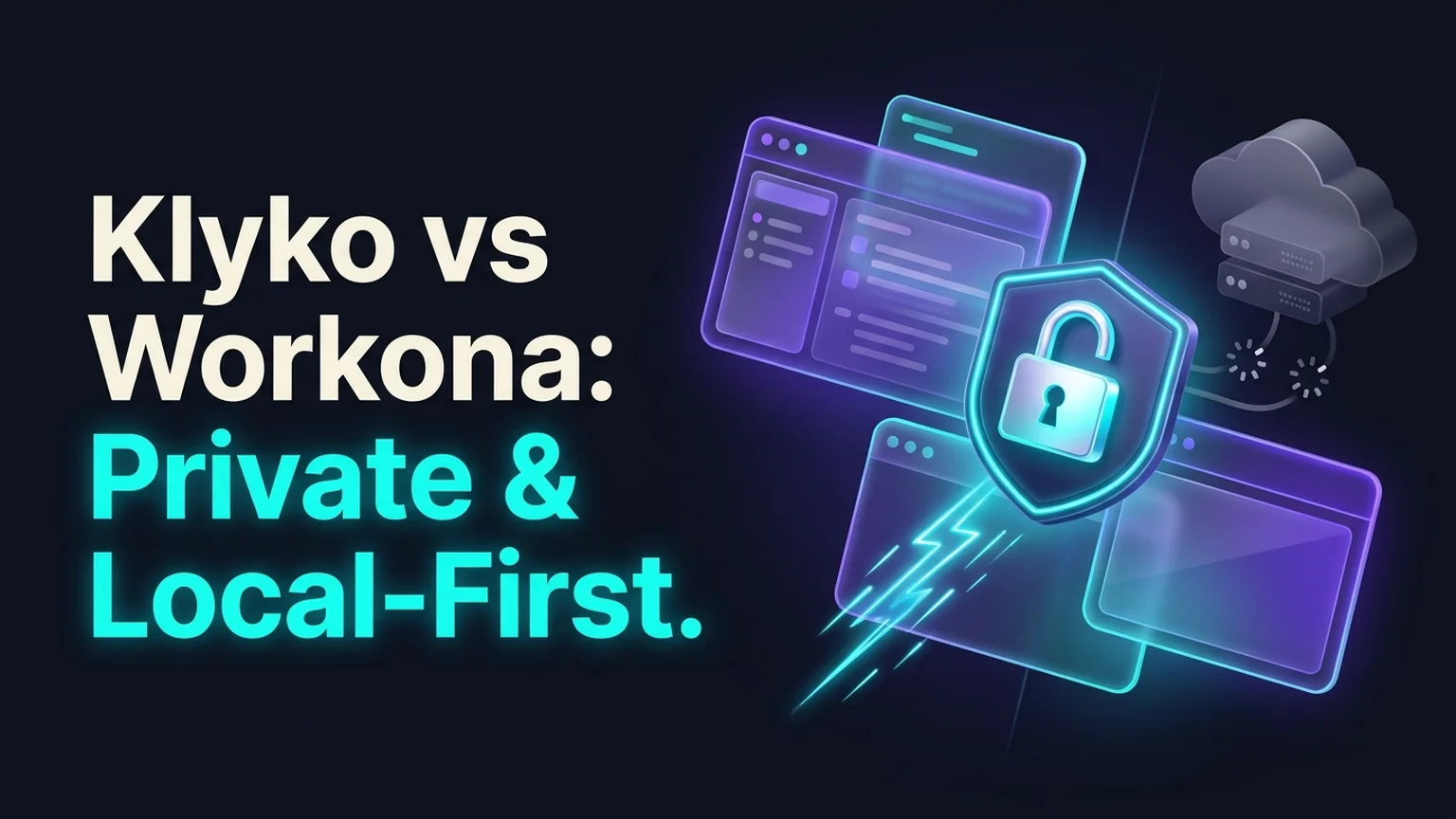
If you are looking for a fast, private, and free alternative to Workona, this comparison breaks down the architectural, financial, and practical differences between Klyko and Workona.
Summary comparison: Klyko vs Workona
| Dimension | Workona | Klyko |
|---|---|---|
| Architecture | Cloud-dependent SaaS (all data synced to remote servers) | Local-first (stored on your machine in IndexedDB) |
| Offline Availability | Limited; fails to load or sync properly without active internet | 100% offline capability; full access on planes or trains |
| Privacy & Security | Third-party cloud storage of sensitive URLs and document links | Zero-knowledge local storage; links remain strictly on your device |
| Free Tier Limitations | Strict caps on active workspaces and cloud backups | Generous local-first usage without artificial workspace limits |
| Pricing | $8 to $12 / user / month for professional features | Free to start, no credit card or account required |
| Browser Overhead | Heavy background memory footprint and telemetry scripts | Lightweight client; zero background RAM waste when tabs are closed |
| Context Features | Workspaces, docs, notes | Workspaces, task-based link sets, checklists, and next step cards |
1. The subscription paywall: $0 vs $96–$144/year
The most immediate friction point for Workona users is pricing.
Workona operates on a classic freemium SaaS model. On the free tier, you are typically restricted to a small number of workspaces. The moment you manage multiple clients, side projects, and research tasks, you hit a paywall demanding an annual subscription of $96 to $144 per year.
For large enterprise teams needing centralized billing, this price may be acceptable. But for independent developers, freelancers, students, and small teams, paying $10 every month just to keep your browser tabs organized is an unnecessary tax.
Klyko's model: Klyko believes that organizing your personal work context should not require an expensive recurring subscription. You can create as many local workspaces as you need, organize unlimited links, and manage your projects without paying a dime.
2. Privacy and data security: local-first vs. cloud tracking
Every tab you open tells a story about your company, your clients, and your personal life. Your open tabs contain:
- Private staging URLs containing sensitive authentication hashes.
- Internal company financial dashboards and payroll spreadsheets.
- Confidential client design prototypes and NDA-protected briefs.
- Unreleased GitHub pull requests and API documentation.
When you use a cloud-first tab manager like Workona, every URL you save is uploaded to third-party databases. Even with industry-standard encryption, storing your live working context on someone else's server creates an avoidable security footprint.
How Klyko protects your data: Klyko is built local-first. By default, all your workspaces, saved links, checklists, and notes reside in your browser's local IndexedDB database on your physical hard drive.
Klyko never tracks your browsing history, never uploads your links to external databases without your explicit permission, and requires no account creation to start. Your data belongs exclusively to you. For a deeper look at the philosophy, read what 'local-first' actually means and why it matters.
3. Working offline: why local-first matters
Imagine you are on a five-hour flight without Wi-Fi, or working from a cafe with spotty mobile tethering. You open your laptop to finish a client proposal.
With cloud-dependent tab managers, opening your workspace dashboard frequently results in a blank spinner or an offline error banner. If the app cannot communicate with its API servers, you cannot access your saved link structure or review your task notes.
With Klyko, offline is the native state: Because Klyko loads entirely from local storage, your workspaces open instantly (in milliseconds) whether you have 1 Gbps fiber internet or zero connectivity in airplane mode. You can reorganize links, update checklists, write notes, and plan your next steps without an active internet connection.
4. Work context: why the Next Step card changes everything
While Workona provides workspace folders, it still treats tabs primarily as collections of destinations.
Klyko was designed around cognitive science and the reality of context switching lag. When knowledge workers leave a project, the biggest struggle is not finding the URL tomorrow; it is remembering what to do next.
In Klyko, every workspace includes a dedicated Next Step card. Before you close a project's tabs, you record the single immediate action needed to resume (e.g., "Review feedback on slide 5 and ping marketing").
When you return to the workspace tomorrow morning, your next step is waiting right in front of you. You don't have to spend 20 minutes reconstructing your train of thought. To learn more about this cognitive tax, explore our analysis of why switching between projects costs you more than you think.
Frequently asked questions
Is Klyko a direct replacement for Workona?
Yes. If you use Workona primarily to group browser tabs into named project workspaces, organize related project links, and switch between tasks cleanly, Klyko provides all of those capabilities in a faster, private, and local-first package.
Can I share Klyko workspaces with clients or colleagues?
Yes. Klyko allows you to generate secure, tokenized public share links (/s/[token]) for any workspace or collection. Collaborators can view your curated links, notes, and resources in any web browser without needing to install an extension or create an account.
Does Klyko support desktop apps and local files?
Yes. In addition to browser web links, Klyko features a Desktop Connector that allows you to link and launch local files, folders, and native desktop applications directly from your workspace board.
How do I switch from Workona to Klyko?
You can easily copy your primary project URLs from Workona and paste them into a new Klyko workspace at klyko.app in under two minutes. No credit card or installation is required to start.
Save your work context. Reopen it anywhere. No account required to create your first board.
Try Klyko Free