What 'Local-First' Actually Means (and Why It Should Matter to You)
· 3 min read
Open a typical cloud-based app on a slow connection and you'll see it: a loading spinner, sitting between you and your own data, for a piece of software whose entire job is to show you a to-do list you wrote yourself. That pause is not a bug — it's the direct consequence of a design decision made years ago that most apps still default to.
The default architecture, and its trade-off
Most modern apps work like this: your device is a thin client, the server holds the real data, and every read or write is a round trip to that server. It's a reasonable choice for genuinely collaborative, always-online products. But it means the app is only as fast and as available as your network connection — and on a train, in an elevator, or on hotel wifi, that's often "not very."
Local-first software inverts the default: your device holds a full, real copy of your data and reads/writes it immediately, with zero network round trip. Syncing to the cloud (and to your other devices) still happens — just in the background, not on the critical path of you using the app.
Why this is more than a nice-to-have
- Speed. Every action feels instant because it is instant — there's no server to wait for.
- Offline resilience. No connection doesn't mean no app. You keep working, and the changes sync once you're back online.
- You still own a real copy. Your data lives on your device, not only behind an API you have to trust will stay reachable.
The trade-off is real engineering complexity — conflict resolution when two devices change the same thing offline, a sync protocol that can retry and reconcile safely, and a local database that has to behave a lot like the server's. That complexity is exactly why most apps don't bother, and default to "just call the API and show a spinner" instead.
What this looks like in practice
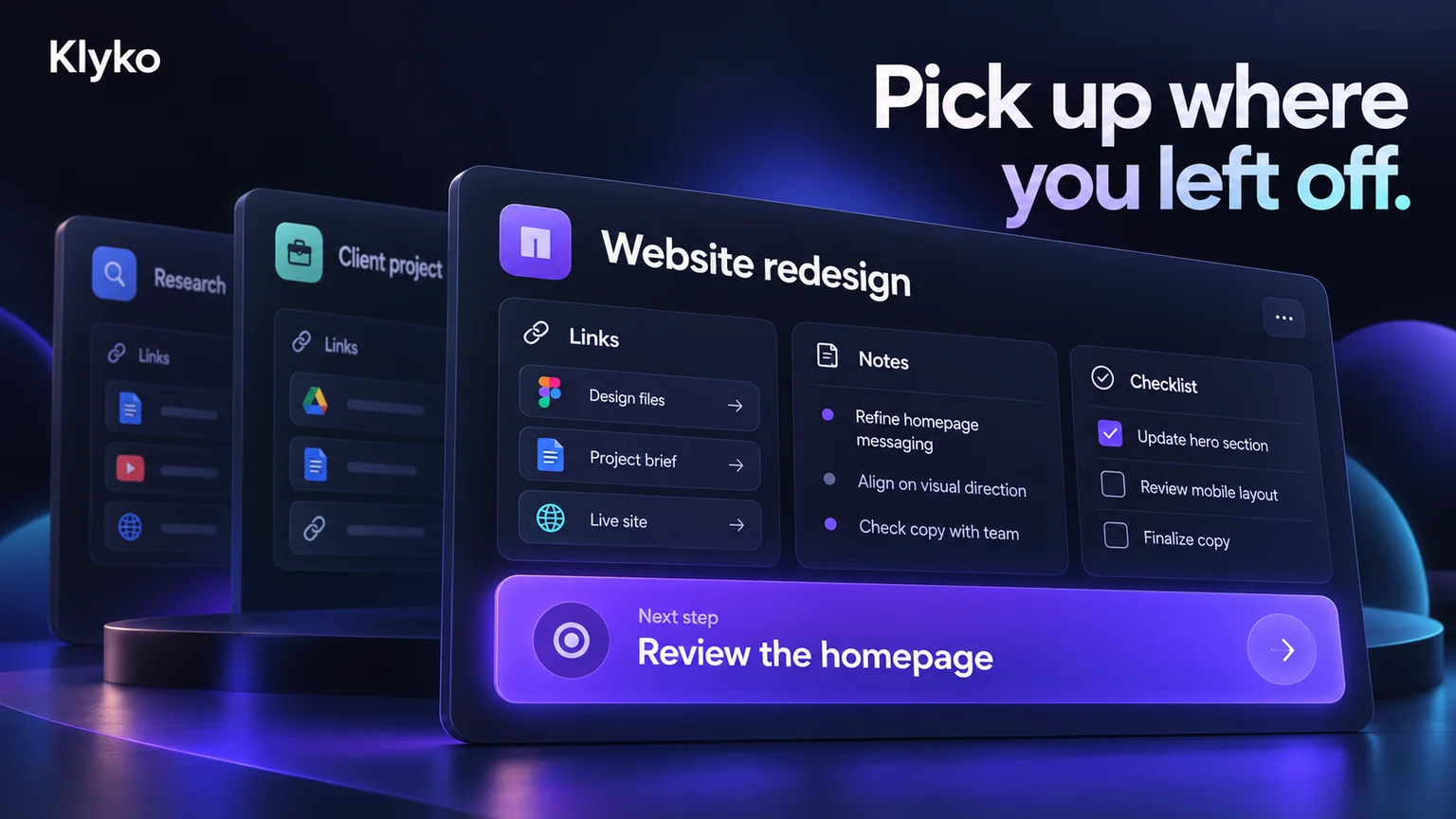
Klyko is built local-first from the ground up: workspaces, links, notes, checklists and launch modes are stored locally first and render instantly, whether or not you're online. A background sync engine pushes changes to the cloud and pulls updates from your other devices, so switching from your laptop to your desktop still gets you the latest state — it just isn't required for the app to be useful in the moment.

Practically, that means you can create a workspace on a plane, jot down notes in a meeting room with no wifi, or check a launch mode on flaky hotel internet, and none of it depends on a server responding fast enough. For a tool whose entire purpose is "get back to your work quickly," being unavailable exactly when you're offline and need it most would defeat the point.
Why it's worth asking about
The next time an app makes you wait on a spinner just to see your own notes, it's worth asking whether that's an architecture problem, not a network problem. Local-first isn't a marketing term for "has an offline mode" — it's a different default about where your data actually lives, and it tends to show up as the difference between a tool you reach for under pressure and one you avoid because it might not load in time.
Klyko is free to try, works fully offline from the first workspace you create, and doesn't need an account to get started.
Save your work context. Reopen it anywhere. No account required to create your first board.
Try Klyko Free