Klyko vs Toby: Why Users Are Switching to Offline, Local-First Workspaces
· 6 min read
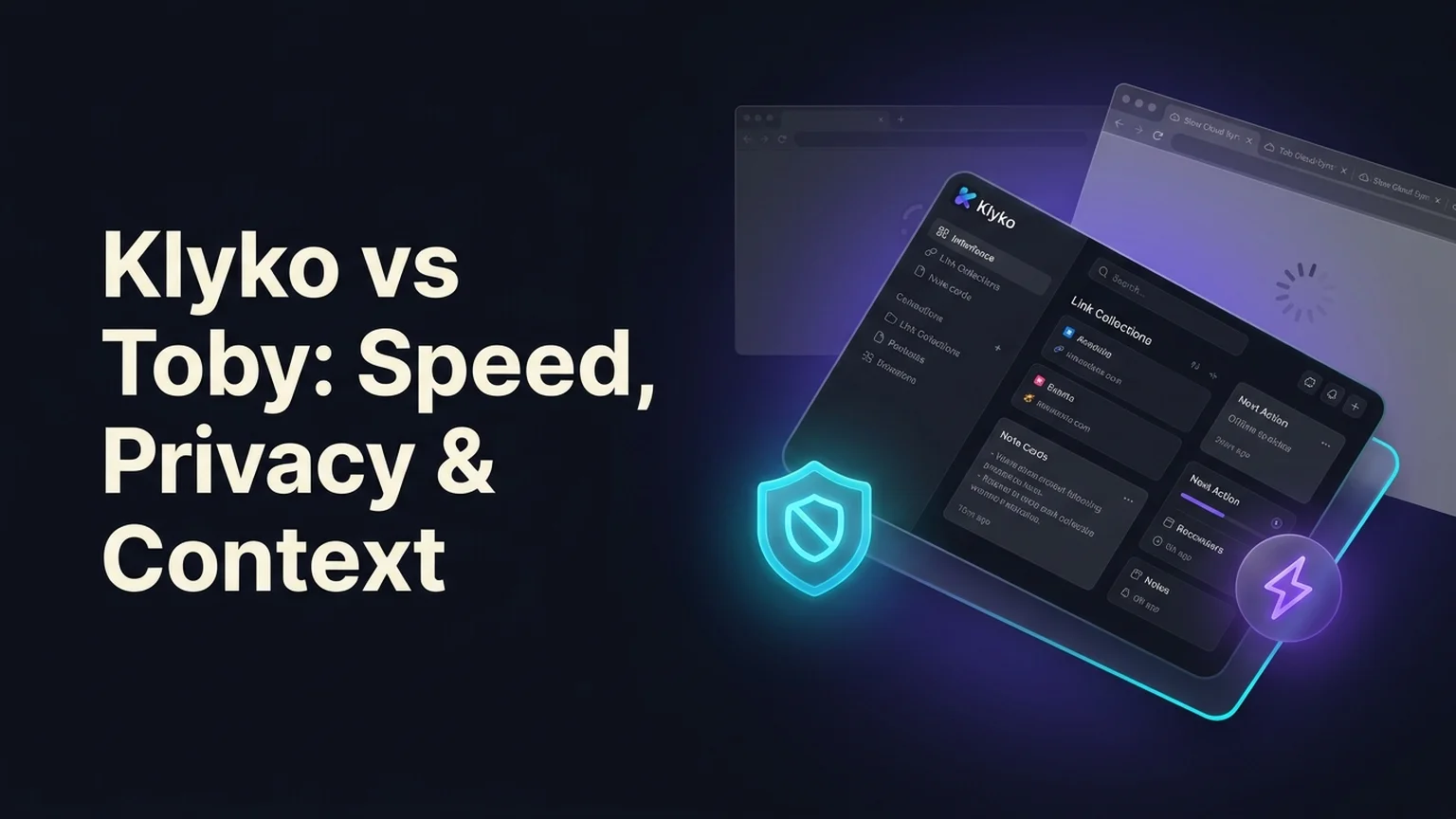
When Toby (Toby for Tabs) launched, it became an overnight darling among Chrome and Firefox users. Instead of boring text bookmarks or endless rows of squished browser tabs, Toby transformed the browser's "New Tab" page into a sleek Trello-like board of visual bookmark cards arranged in vertical lists.
For lightweight web browsing, visual cards felt like a major upgrade. But over years of daily production use, power users, freelancers, and software engineers began encountering frustrating bottlenecks:
- New tab hijacking and lag: Every time you press Ctrl+T or Cmd+T to perform a quick search, Toby intercepts the tab, forcing you to wait for a heavy web app to initialize before you can type.
- Cloud sync dependency: Toby requires creating an account and routes your saved URLs through external cloud servers, introducing sync delays, occasional login lockouts, and privacy concerns.
- Cards without context: A visual card shows a favicon and a URL, but it cannot explain why you saved it, what decision you reached, or what task you need to complete next.
If you are looking for a fast, private, and distraction-free alternative to Toby, this in-depth guide compares Klyko and Toby across architecture, daily speed, privacy, and true project resumption.
Summary comparison: Klyko vs Toby at a glance
| Dimension | Toby for Tabs | Klyko |
|---|---|---|
| Browser Intrusion | Hijacks the new tab page (adds load latency to every new tab) | Non-intrusive; opens as a clean standalone app or via extension popup |
| Storage Model | Cloud-dependent database with mandatory account sync | 100% Local-first (stored on your device in IndexedDB via Dexie) |
| Offline Usability | Limited; sync conflicts and login hurdles when offline | Complete offline capability; zero internet connection required |
| Privacy & Tracking | URLs and browsing cards uploaded to third-party company servers | Strict zero-knowledge local storage; links never leave your device |
| Work Context | Visual bookmark cards and collections only | Workspaces with curated link sets, rich notes, checklists, and next steps |
| Task Reopening | All-or-nothing (opens entire collection in new window) | Task-based link sets (opens only the 3–4 tabs needed for a sprint) |
| Desktop Integration | Web browser only | Desktop Connector launches local files, folders, and native apps |
| Pricing | Free basic tier; paid subscriptions for team workspaces | Free to start, local-first personal workspaces |
1. The New Tab page: friction vs. instant speed
The defining architectural choice of Toby is that it takes over your browser’s default New Tab screen.
While this makes your saved collections visible, it introduces constant micro-friction into your workday:
- Browser speed penalty: You open a new tab dozens of times per day simply to navigate to Google, open Gmail, or run a quick query. When Toby overrides the blank tab, your browser must execute Toby’s JavaScript bundle, fetch remote profile data, and render complex DOM columns before you can even focus the address bar.
- Visual noise when you need focus: Seeing 40 colorful cards and badges every time you want to open a blank page creates visual clutter, pulling your attention toward old unfinished projects when you just wanted to search a single term.
Klyko's respectful approach: Klyko does not hijack your new tab page. It remains a dedicated, lightning-fast workspace dashboard accessible whenever you intentionally want to manage projects. Your new tabs remain blank and instant, keeping your browser snappy and calm.
2. Privacy and data sovereignty: local-first vs. cloud sync
Toby was designed as a cloud-synchronized SaaS. Every link you drag into a Toby collection is transmitted to external servers:
- Corporate privacy risks: Developers, researchers, and financial consultants often work with confidential staging endpoints, internal GitHub PRs, and NDA-protected client documents. Storing those URLs on external company servers exposes your daily work to third-party data breaches.
- Sync failures: Web store reviews for Toby frequently cite issues where collections fail to sync properly across different computers or disappear after an unexpected account logout.
Why Klyko’s local-first architecture wins: Klyko is engineered as local-first software. Your workspaces, notes, and link collections live exclusively on your machine in IndexedDB—the browser's high-speed transactional database.
Klyko never tracks your URLs, never sells your browsing telemetry, and requires no account creation or credit card to use. You own your data completely. For a deeper breakdown of this design, read what 'local-first' actually means and why it matters.
3. Visual cards vs. complete work context
Toby organizes links into visual cards. A card displays the website favicon, title, and a link.
While prettier than standard browser bookmarks, cards alone do not provide context:
- A card cannot record why you chose one design proposal over another.
- A card cannot display your active checklist of tasks for the afternoon.
- A card cannot tell you what single action you need to take tomorrow morning to resume work.
How Klyko replaces bookmark hoarding with workspaces: In Klyko, links are only one component of a project workspace. Beside your saved links, you have:
- Context notes: Document client constraints, meeting decisions, and API credentials right next to the relevant links.
- Actionable checklists: Keep to-do items directly visible beside the files they pertain to.
- The Next Step card: Write down your single immediate next action before you step away from your desk.
When you return to a Klyko workspace, you aren't just looking at a collection of URLs—you have the complete mental model of your work ready to resume in one click.
How to migrate from Toby to Klyko
Moving your collections from Toby into Klyko takes under two minutes:
- Open Toby and click your profile icon to access Settings.
- Select Export Lists to download your links in JSON or text format.
- Open Klyko and create your project workspaces.
- Paste or import your links into their corresponding workspaces, group them into deliverable link sets, and add your next actions.
Frequently asked questions
Does Klyko replace my New Tab page like Toby does?
No. Klyko leaves your browser's default New Tab page untouched, preventing any lag when opening new tabs. You open Klyko as a clean web workspace or via the lightweight extension icon when you deliberately want to manage projects.
Can I organize links into different groups in Klyko?
Yes. Within any Klyko workspace, you can create multiple task-based link sets (e.g., "Research", "Development", "Client Review"). This allows you to launch only the 3 or 4 tabs needed for a specific task rather than opening an entire project at once.
Will Klyko work if I lose my internet connection?
Yes. Klyko is 100% offline-first. All your workspaces, notes, links, and checklists load immediately from local storage whether you are offline, on a flight, or working with spotty Wi-Fi.
Is Klyko free?
Yes. Klyko is free to use without requiring an account or credit card. You can start organizing your project workspaces right now at klyko.app.
Save your work context. Reopen it anywhere. No account required to create your first board.
Try Klyko Free