Klyko vs Session Buddy: Project Contexts vs Raw Session Hoarding
· 6 min read
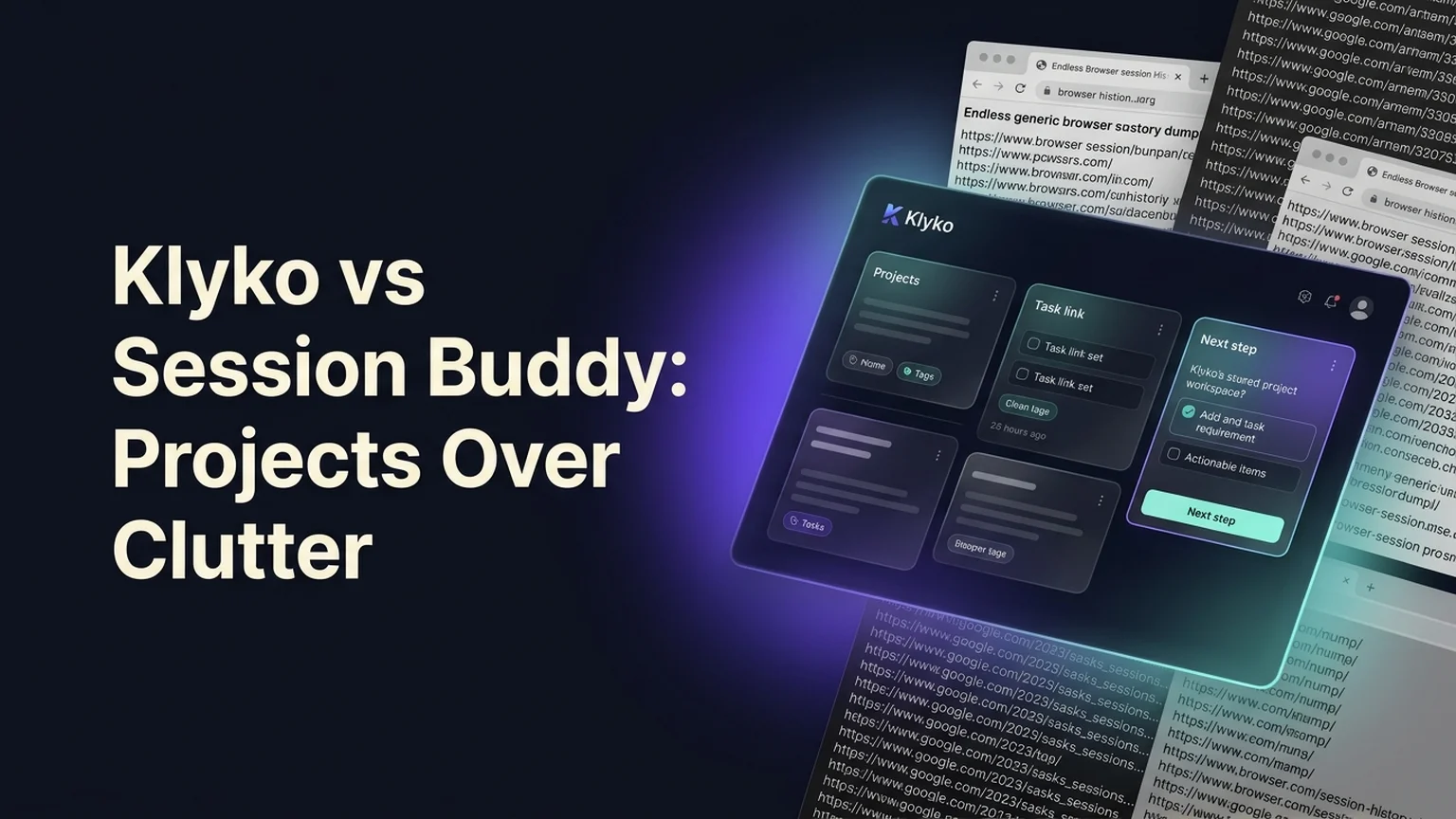
For over a decade, Session Buddy was the undisputed king of emergency browser tab preservation. When power users feared losing their open tabs to a sudden browser crash or operating system reboot, Session Buddy provided a comforting safety net: it took automatic snapshots of every open window and every tab.
Yet as the nature of knowledge work evolved, relying on raw session snapshots began creating more confusion than clarity. Users found themselves accumulating hundreds of chronological session dumps—"12 windows, 84 tabs - Oct 24"—that functioned as little more than an unorganized second browser history.
Recent major extension overhauls (notably the controversial transition to Manifest V3 and version 6) introduced further friction, including account requirements, interface redesigns that frustrated longtime users, and reports of lost historical sessions.
If you are looking for an intentional, reliable alternative to Session Buddy, here is a detailed breakdown comparing Klyko and Session Buddy.
Summary comparison: Klyko vs Session Buddy
| Dimension | Session Buddy | Klyko |
|---|---|---|
| Core Philosophy | Passive, raw capture of every open tab and window | Active, curated project workspaces (links + notes + next action) |
| Organization Unit | Chronological session snapshots ("Window 1, 38 tabs") | Named project boards ("Website Redesign", "Client Retainer") |
| Signal-to-Noise Ratio | Low; captures ads, search queries, and temporary noise | High; saves only curated, relevant project resources |
| Context Retention | URLs and page titles only | Links, rich notes, active checklists, and next step cards |
| Reopening Control | Restores entire windows or raw URL lists | Task-based link sets (opens only the 3–4 tabs needed for a task) |
| Data Architecture | Extension-managed storage with recent cloud account pushes | 100% Local-first IndexedDB (offline, private, no account required) |
| Desktop Integration | Browser tabs only | Desktop Connector launches local files, folders, and desktop apps |
| Pricing | Free with premium cloud tiers and account prompts | Free to start, local-first offline workspaces |
1. Raw session hoarding vs. curated project workspaces
The fundamental difference between Session Buddy and Klyko lies in what they choose to save.
Session Buddy operates on passive, indiscriminate capture:
- When you click "Save Session", Session Buddy takes a snapshot of everything open in your browser.
- If you had 60 tabs open, it saves all 60—including three Google search pages, an Amazon product review, a random recipe you glanced at during lunch, and four duplicate documentation tabs.
- Three weeks later, you have 40 saved sessions with titles like "Session 34 - 52 tabs". Finding a specific client contract or Figma prototype requires digging through dozens of raw session trees.
How Klyko replaces session clutter with project intent: Klyko is built around deliberate project workspaces:
- Instead of hoarding every temporary tab you opened today, you create a named workspace (e.g., "Q4 Financial Audit", "Mobile App Redesign").
- You add the 4 to 6 core resources that actually matter to the project.
- You organize links into deliverable link sets (e.g., "Drafting Set", "Review Set") so you can launch only what you need without crashing your computer's RAM.
2. Context: why URLs alone cannot resume work
When you restore a session in Session Buddy, you get a collection of open web pages. But opening web pages is only half the battle.
When you sit down to work on a project you haven't touched in a week, the hardest part is overcoming resumption lag:
- Why did I leave this spreadsheet open?
- Which design option did the client approve on our last call?
- What is the very next thing I need to do right now?
Session Buddy cannot answer any of those questions because it stores only URLs.
The Klyko Workspace advantage: In Klyko, your links live directly beside your project context:
- Decision notes: Keep meeting takeaways, client constraints, and credentials right next to the links.
- Task checklists: Maintain a clear, visible list of what is finished and what remains open.
- The Next Step card: Record the single next physical action to take when you step away.
When you open a Klyko workspace, you don't spend 20 minutes in a morning fog trying to reconstruct your memory. Your next step is already written down, and your exact link set is ready to launch in one click. To read more about this cognitive cost, explore our research on the cost of context switching between projects.
3. Data reliability and local-first permanence
Recent updates to Session Buddy sparked significant frustration in the Chrome Web Store community. With the transition to Manifest V3 and version 6, many users experienced:
- Unexpected interface rewrites that made simple workflows cumbersome.
- Pushes toward cloud accounts and centralized server sync.
- Glitches where historical sessions were corrupted or lost during extension updates.
Why Klyko’s local-first architecture protects your work: Klyko was architected from day one as local-first software:
- All workspaces are saved in your browser’s robust, transactional IndexedDB engine using Dexie.
- Your data lives on your physical computer, not on remote company servers.
- Klyko works completely offline without an internet connection and requires no account or credit card.
- Built-in one-click JSON backup and export features ensure you never lose your work to an extension update.
How to transition from Session Buddy to Klyko
If you currently have dozens of sessions saved in Session Buddy, you don't have to carry that clutter forward. Transition in three simple steps:
- Open your most important saved session in Session Buddy and export the URLs.
- Open Klyko and create a workspace named after the active project.
- Paste the relevant URLs into your workspace, add a short note summarizing the current status, and write down your immediate next step.
Once your active projects are housed in Klyko workspaces, you can safely discard hundreds of legacy session snapshots and enjoy a fast, lightweight browser.
Frequently asked questions
Can Klyko save my tabs when Chrome crashes?
Yes. With the Klyko extension, you can save your active project tabs into a persistent workspace at any time. Because Klyko stores data locally in IndexedDB with transactional guarantees, your saved boards persist safely even if Chrome is force-closed or your machine reboots.
What is the difference between a session snapshot and a project workspace?
A session snapshot saves all open tabs in your browser at a specific point in time, including temporary searches and background noise. A project workspace is a curated home for a specific outcome, holding only the essential links, decision notes, task checklists, and next steps for that project.
Can I reopen only a few tabs instead of an entire session?
Yes! One of Klyko's most powerful features is task-based link sets. You can group URLs within a workspace (e.g., "Research", "Review", "Development") and launch only the 3 or 4 tabs needed for your immediate task, saving memory and preventing tab clutter.
Does Klyko cost anything to use?
No. Klyko is free to use for personal local-first project organization. You can open klyko.app and start building your first workspace immediately without signing up.
Save your work context. Reopen it anywhere. No account required to create your first board.
Try Klyko Free