How to Escape Tab Debt: The Psychology of Tab Anxiety and How to Reach Tab Zero
· 6 min read
It is 6:30 PM on a Thursday. You are exhausted, your eyes hurt, and you want nothing more than to close your laptop and walk away from your desk.
Then you look up at your browser window.
Across two monitors, you have 64 tabs open. The tab strip is so crowded that favicons are squished into illegible slivers. In that moment, a subtle pang of dread hits your chest. You know your computer is running hot, and you know you won't read half of those pages tonight. But the thought of clicking the "Close" button fills you with acute anxiety: What if I lose that critical GitHub issue? What if I forget the client’s feedback? What if I never find that article again?
You sigh, minimize the browser, and leave your laptop running on sleep mode.
You haven't solved the problem. You have simply taken on another day of tab debt.
What is "Tab Debt"?
In software engineering, technical debt refers to the implied cost of future rework caused by choosing an easy, quick solution now instead of a better approach that takes longer.
Tab debt works the exact same way with your attention:
Every open browser tab represents a deferred decision—an unkept promise to your future self.
- "I'll finish reading this case study later."
- "I need to review this pull request tomorrow morning."
- "I might need this styling reference when I write the next component."
- "I haven't responded to this ticket yet."
When you leave tabs open indefinitely, you aren't multitasking; you are using your browser's tab strip as an unprioritized, accidental to-do list. And just like financial debt, tab debt accumulates interest in the form of cognitive load.
The psychological toll of the Zeigarnik Effect
Psychologists have long studied why unfinished tasks gnaw at our consciousness. In the 1920s, Lithuanian psychologist Bluma Zeigarnik established that human memory has a powerful bias toward uncompleted tasks (the Zeigarnik Effect). Your brain naturally retains information about an incomplete goal in an active, accessible state until the task is resolved.
When you look at a wall of 60 open tabs, your subconscious mind doesn't see 60 static web pages. It sees 60 active, uncompleted open loops.
Even if you are actively working on a single document, those other 59 tabs exert a quiet, persistent pull known as attention residue—a phenomenon identified by Dr. Sophie Leroy showing that divided cognitive residue actively impairs intellectual performance on whatever task you are currently trying to execute.
You feel tired at the end of the day not just because the work was hard, but because your brain spent eight hours unconsciously juggling 60 open loops.
Why "Tab Bankruptcy" always fails
When tab debt becomes unbearable, many knowledge workers reach a breaking point and declare tab bankruptcy: they rage-close all windows or hit "Close other tabs" in a moment of dramatic defiance.
For about ten minutes, you feel a euphoric sense of freedom. Your browser is clean!
Then Monday morning arrives. You open your browser to a blank screen, and panic sets in. You desperately open your browser history, scrolling through hundreds of unrelated YouTube videos, search queries, and documentation pages, trying to remember the name of that tool you were reviewing on Friday afternoon.
Tab bankruptcy fails because it treats the symptom with reckless demolition. It throws away your valuable working context along with the digital junk.
The 3 psychological reasons we hoard tabs
To cure tab anxiety permanently, you must diagnose the emotional reasons why you resist closing tabs in the first place:
- The Fear of Lost Reference (Research Paranoia): You spent 20 minutes finding an exact solution on an obscure developer forum or a niche blog post. You keep the tab open because you fear you will never be able to formulate the exact Google search query to find it again.
- Tabs as Reminders (Object Permanence): You worry that if a task disappears from your screen, it disappears from your reality. You leave the tab open so that its visual presence forces you to remember it.
- The Sunk Cost Fallacy: You opened a 4,000-word analysis that you intended to read three days ago. Admitting you aren't going to read it feels like admitting failure, so you keep it open as an aspirational monument.
The 3-Tier Offloading Ritual to reach Tab Zero
You do not need greater willpower to escape tab debt. You need a trusted, friction-free system that guarantees you will never lose what matters.
Adopt this 3-tier offloading ritual at the end of every working day to achieve Tab Zero with complete peace of mind:
Tier 1: Save active project context into a workspace
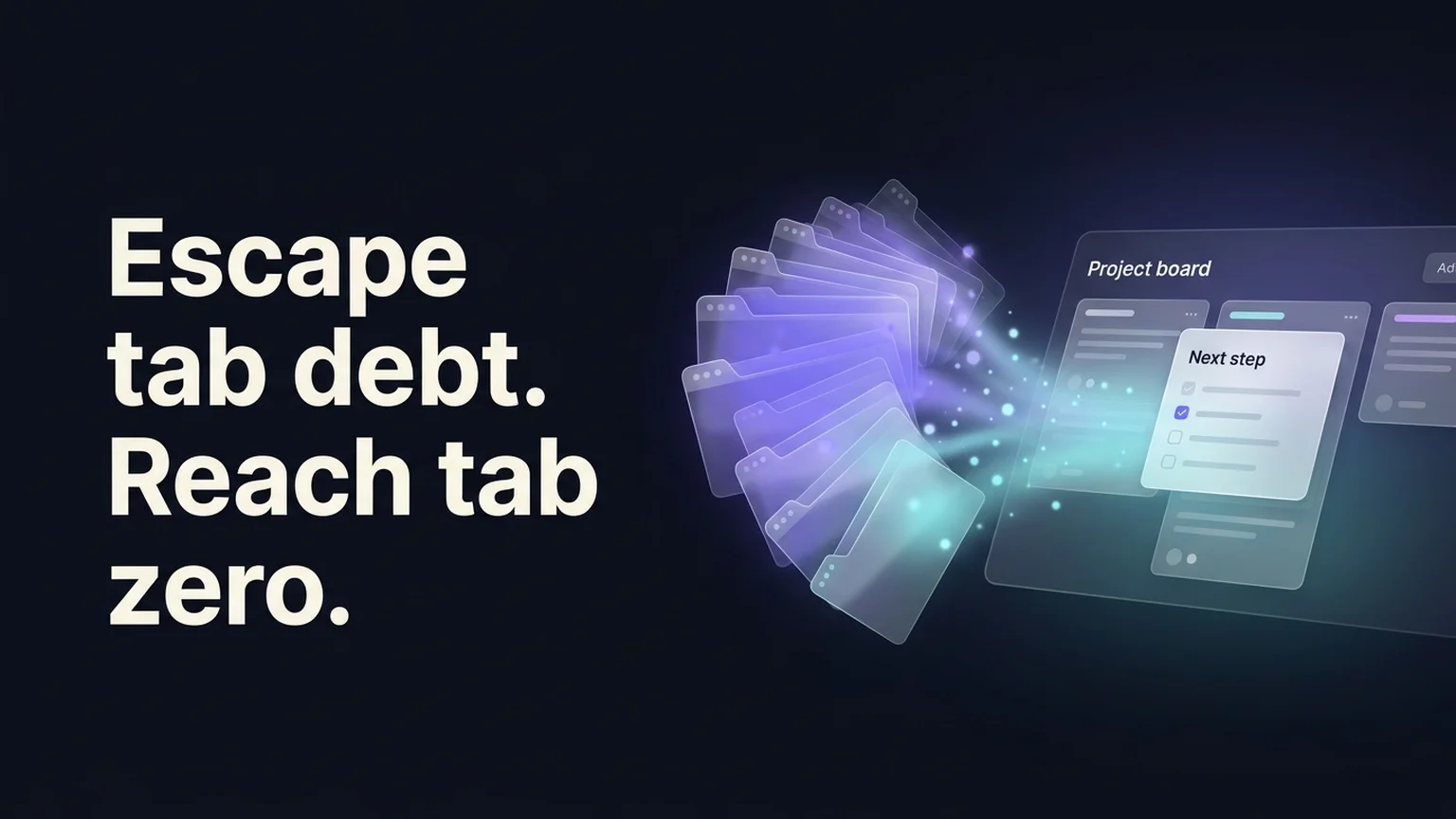
If open tabs belong to an active project (e.g., client brief, Figma file, Jira board, staging app), save them into a dedicated project workspace in Klyko.
Do not just save the URLs. Add a one-line note about where you stopped, and write your single Next Step on the workspace card (e.g., "Merge PR #42 and notify the QA team").
Once the links and next action are saved to a durable workspace, the Zeigarnik loop is officially closed. Your brain no longer needs to keep the tabs open to remember the task.
Tier 2: Route casual reading to an external queue
If a tab is an interesting essay, newsletter, or tutorial that is not directly tied to a deadline today, move it out of your work browser. Save it to a read-it-later app (like Pocket, Instapaper, or a dedicated reading bookmark folder). If you haven't read it in 30 days, delete it without guilt.
Tier 3: Ruthlessly discard easily searchable pages
Ask yourself: "If I need this tomorrow, could I find it on Google in under five seconds?" If the answer is yes (such as documentation for an API function or a public product pricing page), close the tab immediately. Trust your ability to search.
The relief of the Next Step card
The most powerful cure for tab anxiety is not saving links—it is writing down the Next Step.
When you write down: "Resume by checking the mobile layout on the checkout page," you give your future self a clear path of entry. When you open your laptop tomorrow morning, you don't spend 20 minutes in a fog trying to reconstruct where you were. You look at your workspace, see the next action, launch the exact link set needed for that task, and begin immediately.
For more on eliminating this morning fog, explore our research on why switching between projects costs you more than you think.
The takeaway
Keeping 60 tabs open is not a personal failure of organization. It is simply the inevitable result of working in a browser that was designed for passive document viewing rather than complex, modern project multitasking.
You don't have to carry your tab debt into tomorrow.
Give each project a home, write down your next step, and close the browser. You will be amazed at how much lighter you feel when you finally sit down to work in a clean, quiet space.
Ready to achieve Tab Zero today? Get started with Klyko—it is completely free, local-first, and requires no account.
Save your work context. Reopen it anywhere. No account required to create your first board.
Try Klyko Free