Browser Tab Overload Is a Symptom, Not the Problem
· 3 min read
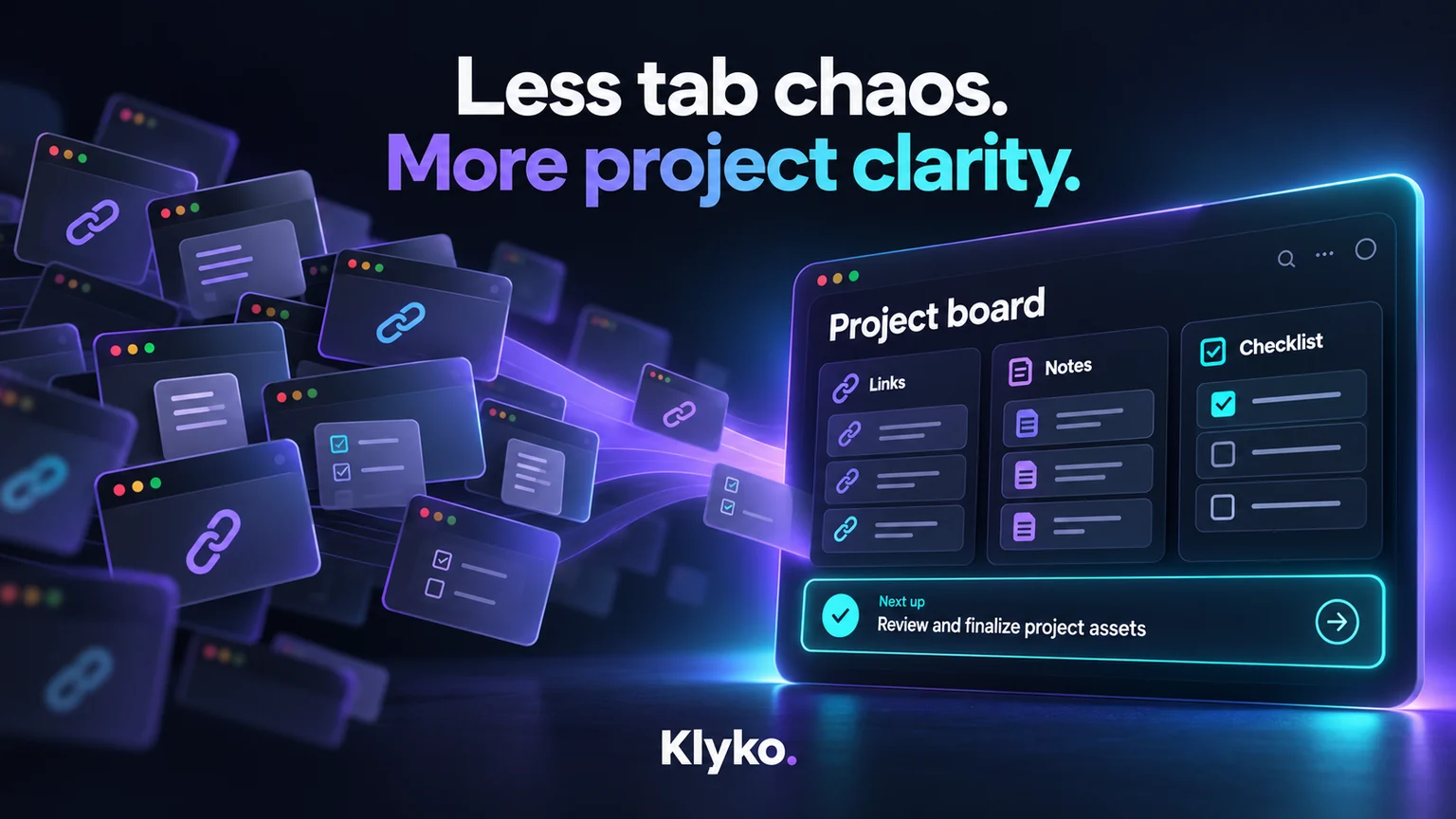
Open your browser right now and count your tabs. If it's north of 20, you're not alone — and if you've ever tried to "clean up" by bookmarking all of them, you already know that doesn't really solve anything either. A folder of 80 bookmarks named "to read" is a graveyard, not a system.
The real issue isn't tab count. It's that a browser tab is being asked to do three jobs it was never designed for at once.
A tab is being asked to be three things
- A reference — "I need this page again."
- A reminder — "I haven't finished with this yet."
- A placeholder for state — "This tab represents where I was in a task."
Browsers are good at showing you a page. They're bad at all three of the above, because a tab carries none of the why. Six months from now, a tab titled "Untitled — Google Docs" tells you nothing about which client it belonged to or what you were supposed to do with it.
Why "just bookmark it" doesn't work
Bookmarking solves job #1 (reference) reasonably well. It does nothing for #2 or #3. A bookmark has no sense of urgency, no relationship to the other three things you need alongside it, and no memory of what you were planning to do next. That's why bookmark folders quietly turn into junk drawers — they were never built to hold context, only links.
The real fix: separate "what I'm working on" from "what I'm reading"
The tabs that matter aren't really about the pages themselves — they're about the project those pages belong to. Once you group by project instead of by browser window, the problem gets much smaller:
- Client A's onboarding docs, dashboard link, and Slack channel become one thing: Client A workspace.
- The five tabs open for a feature you're building become part of that feature's workspace, next to the design file and the terminal command you keep re-running.
- The three tabs you opened for "research for later" become their own workspace you can safely close and reopen exactly as you left it.
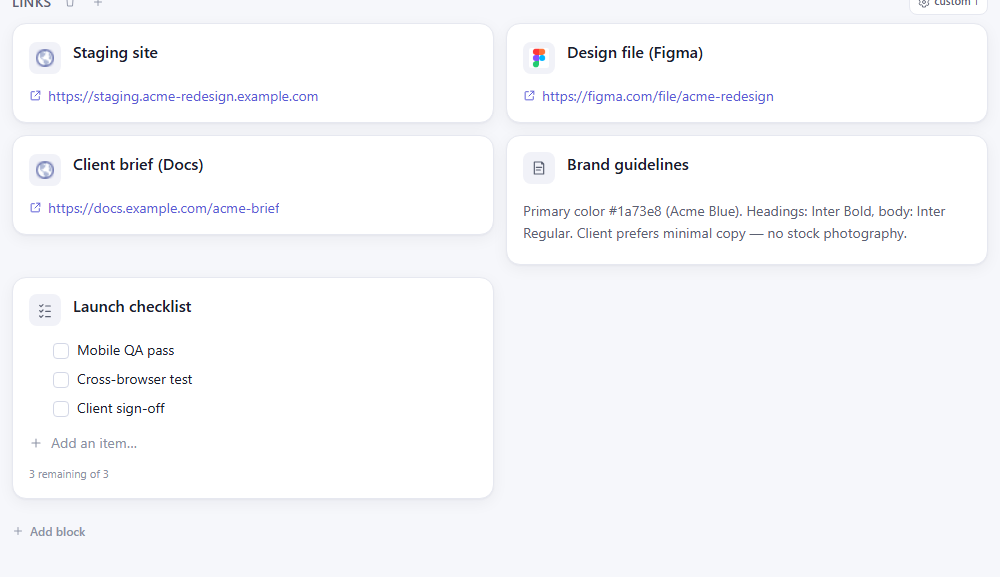
This is the core idea behind Klyko — a workspace memory tool, not a tab manager. Instead of trying to make tabs smarter, it gives every project a home for its links, notes, checklists, files and apps together, so you can close the tabs guilt-free and know the context is saved somewhere that actually understands what it's for.
What to do today
You don't need new software to start fixing this — just a mental shift: the next time you're tempted to leave a tab open "just in case," ask what project it belongs to, and where that project's context lives. If the honest answer is "nowhere," that's the gap worth closing — not by opening more tabs, but by giving your projects a real home. Klyko is free to try if you want a ready-made place to put it.
Save your work context. Reopen it anywhere. No account required to create your first board.
Try Klyko Free