7 Tab Manager Alternatives for People Who Need to Resume Work, Not Just Save Tabs
· 3 min read
If you're searching for a tab manager, you've probably already tried the built-in fixes — bookmark folders, pinned tabs, "reading list" — and none of them stuck. Here's an honest rundown of where different tools help, and where they stop short of the actual problem: not saving tabs, but resuming work.
What to actually evaluate these on
Most comparisons focus on how a tool saves and restores tabs. That's necessary but not sufficient. The more useful question is: when you come back to a saved session, do you also get the notes, the files, the next step, and the non-browser apps you needed — or just a pile of URLs?
The tools
OneTab — Collapses all open tabs into a single list with one click, freeing up memory instantly. Great as a panic button when your browser is crawling. Doesn't organize by project or preserve any context beyond the URL and title.
Session Buddy / Tab Session Manager — Save and restore named tab sessions, with some tagging and search. A solid step up from bookmarks for pure tab management, but still browser-only — no notes, files, or non-browser apps attached to a session.
Toby — Groups tabs into visual boards, which helps a lot with the "which tabs belong together" problem. Lives as a new-tab-page extension, so it's tied to one browser and one machine.
Workona — Built specifically around "workspaces" of tabs plus some light task and resource management, aimed at teams. More context-aware than a plain tab saver, though still centered on the browser as the unit of work.
Arc's Spaces / browser-native workspaces — Some newer browsers now bake tab grouping into the browser itself, which is convenient if you're fully committed to that browser and don't need anything outside it.
A plain bookmarks folder — Free, built-in, and the one everyone tries first. No memory of why a link is there, no ordering, no next step. Works until the folder passes about 30 items.

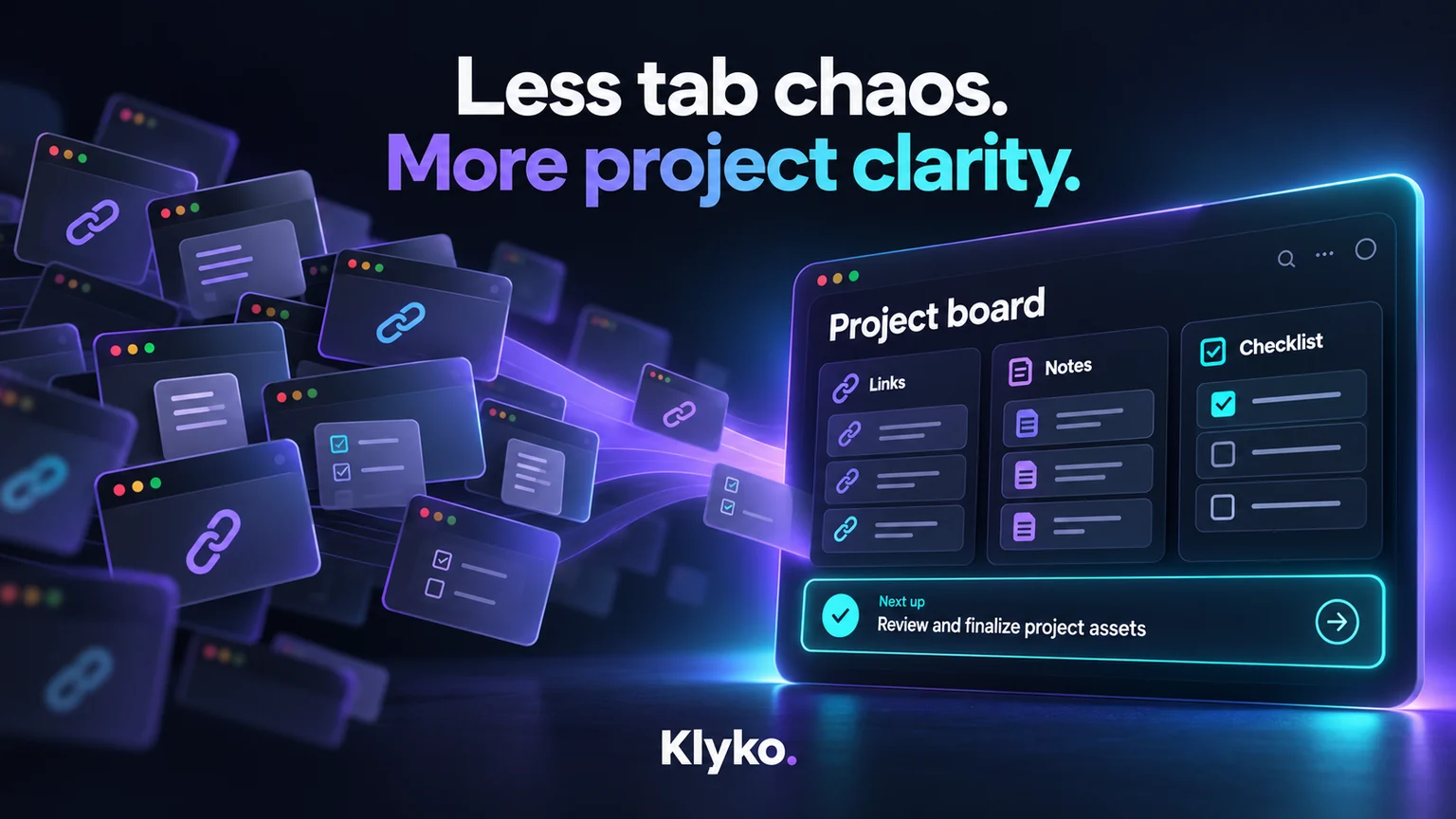
Klyko — Not a tab manager by design. Instead of saving tabs, it saves the workspace around a project: the links, notes, checklists, cloud files, local folders, apps and commands you need, plus a written "next step," all attached to that project. It's local-first (works offline, syncs when you're online) and, through the Desktop Connector, can reopen local files, folders and apps too — not just browser tabs. If your work spans more than what lives in a browser tab, this is the gap the tools above don't close.
How to pick
- Just need to stop your browser from eating RAM? OneTab.
- Want named, searchable tab sessions and nothing more? Session Buddy or Tab Session Manager.
- Working in visual boards inside one browser? Toby.
- A team that lives entirely in tab-based workflows? Workona.
- Your work includes files, local apps, or a "what do I do next" note that a tab can't hold? That's the case Klyko is built for — try it free, no signup required to start.
The underlying question
Before picking a tool, it's worth asking what you're actually trying to save: tabs, or the ability to resume a project without reconstructing it from memory. Those turn out to be different problems, and most tools on this list solve the first one. Solving the second is a smaller, newer category — but it's the one that actually gets your Monday morning back.
Save your work context. Reopen it anywhere. No account required to create your first board.
Try Klyko Free