One-Click Workflows: Opening Every App, File and Tab You Need at Once
· 3 min read
Think about how you actually start a work session. Not the task itself — the five minutes before it. For a lot of people it looks something like: open the IDE, open the terminal, open two or three reference tabs, open the design file, maybe start a local dev server. Every day. In roughly the same order.
That sequence is a workflow, but almost nobody treats it like one — it just gets repeated manually, one click at a time, every single time.
Why this particular ritual is worth automating
Startup rituals are a good automation target for a specific reason: they're repetitive, predictable, and low-stakes. Unlike the actual work, there's no judgment call in opening your terminal to the right folder — it's the same folder every time. That combination (repeats often, never changes) is exactly what should be a single action instead of eight.
The catch is that most of these steps span different kinds of things — browser tabs, local files, desktop apps, sometimes a terminal command — so a browser extension alone can't do it, and a script alone usually can't touch your browser tabs.
What a "launch mode" actually does
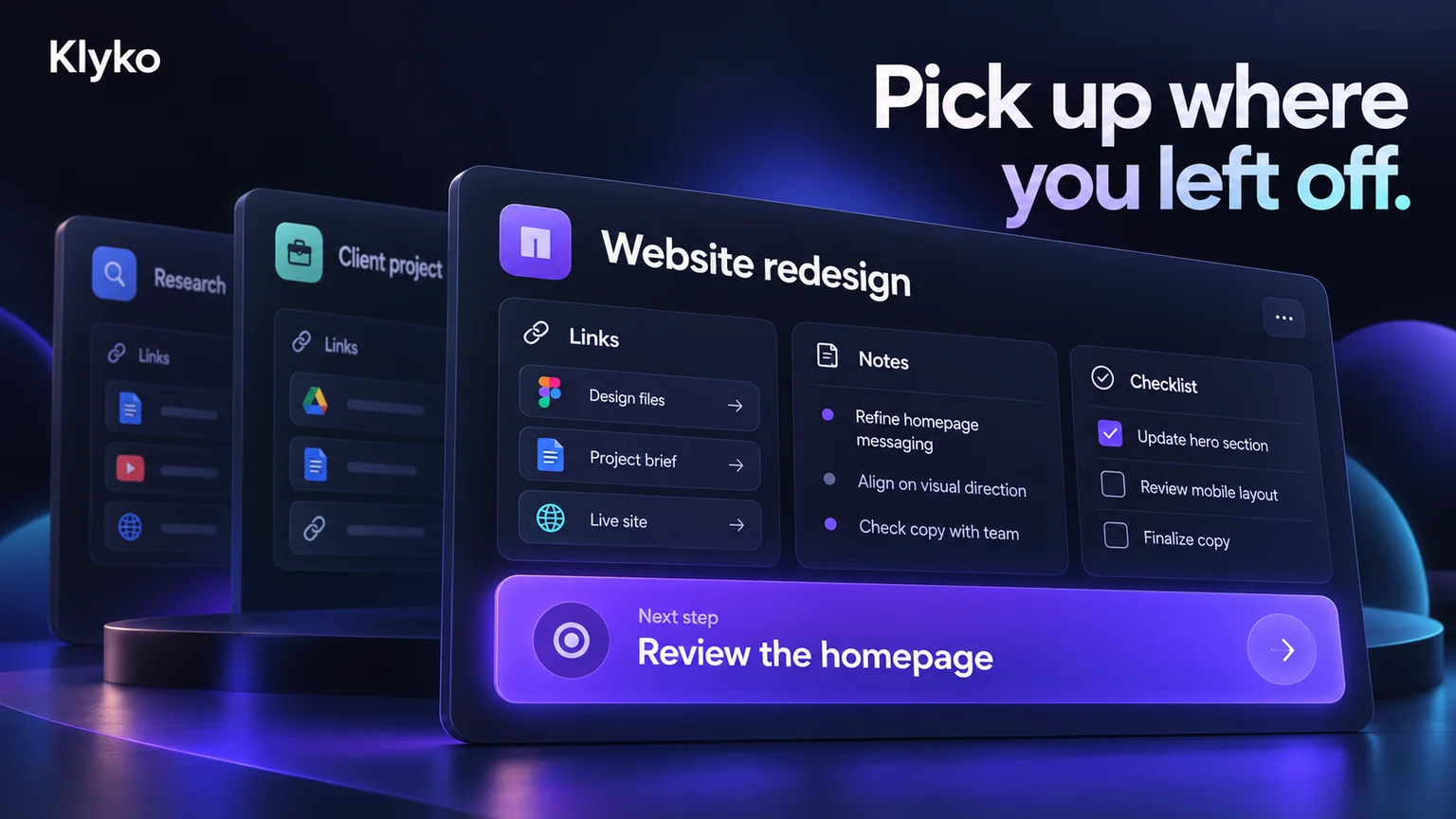
A launch mode is a saved bundle of everything you'd normally open by hand for a specific kind of session — a set of links, local files or folders, apps, and even shell commands — fired off together with one click instead of ten. In Klyko, you build a launch mode once inside a workspace (say, "Start coding" for a project, or "Client call" for a freelance client), and from then on that one click:
- Opens the reference links and dashboards you need
- Opens the local files and folders relevant to the session, through the Desktop Connector
- Launches the apps you rely on
- Runs any setup commands you've attached (starting a dev server, for instance)
It's the same idea as a shell alias or a macro, just applied to your whole environment instead of a single terminal command.

Where this earns its keep
The time saved on any single morning is small — a minute, maybe two. The value compounds because startup rituals repeat daily, and because they tend to happen at the exact moment your attention is at its lowest: first thing in the morning, right after a meeting, right after lunch. Removing eight small decisions from that moment isn't just fast, it also means you start the actual work with a full tank of focus instead of having spent it on setup.
It also scales sideways: a "client call" launch mode for a specific customer, a "review PR" launch mode for your team's repo, a "write the newsletter" launch mode with your drafts doc and your style guide open — each one turns a slightly annoying multi-step ritual into a single click.
Getting started
You don't need to automate everything on day one. Pick the one startup ritual you repeat most — probably your main project's "let's get to work" sequence — and turn just that one into a launch mode. Klyko is free to start and works offline first, so you can build your first launch mode in a couple of minutes without creating an account.
Save your work context. Reopen it anywhere. No account required to create your first board.
Try Klyko Free