How Freelancers Can Juggle Multiple Client Projects Without Losing Context
· 3 min read
Full-time employees usually work on one thing, or a small handful of things, in a given week. Freelancers rarely get that luxury — a typical day might mean a design review for Client A at 10am, a bug fix for Client B at noon, and content edits for Client C in the afternoon. Three completely different contexts, three completely different sets of tools, all before lunch.
The billable hour isn't the bottleneck here. The bottleneck is the five or ten minutes at the start of every single switch spent remembering: which files, which login, which Slack channel, what did we agree on last time.
Why generic productivity advice doesn't fit
Most productivity systems (time-blocking, task lists, the Pomodoro technique) are built around doing the work. They assume you already know what you need in front of you. For freelancers, the harder problem is usually before the work starts: reassembling the right tabs, files, and notes for a client you haven't touched in four days.
A to-do list tells you "review homepage copy for Client A." It doesn't tell you which Google Doc, which brand guidelines PDF, and which two reference sites you were using for tone. That gap is where the real time goes.
A per-client workspace, not a per-task list
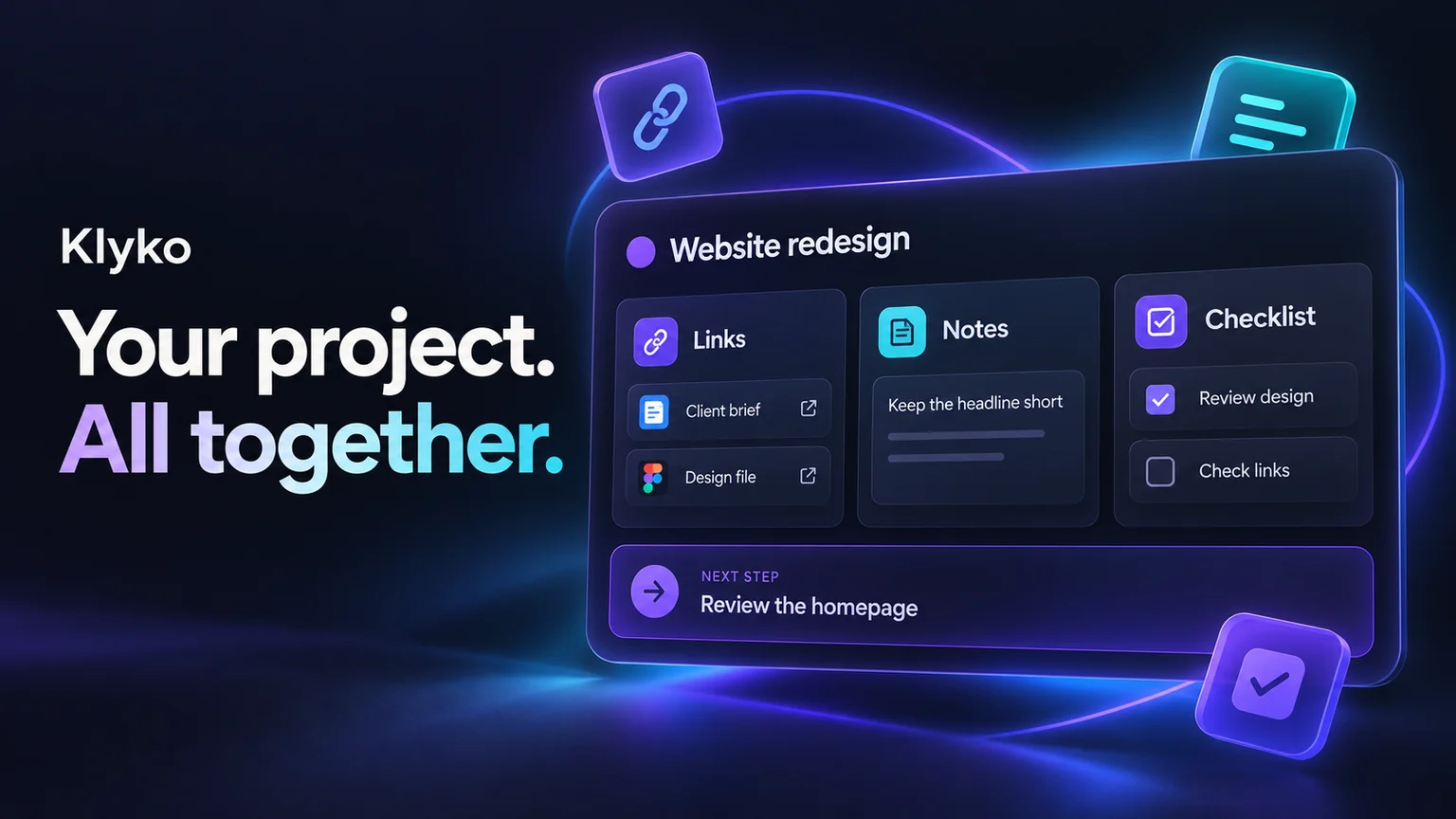
The fix that actually holds up over time is organizing around clients as containers, not tasks as a flat list. Each client gets one place that holds:
- The links you reference for them — dashboard, staging site, shared docs
- Notes — scope, rates, preferences, things they've said not to do again
- A checklist for the current deliverable
- The files relevant to the current work, whether cloud docs or local folders
- The apps you need running — design tool, terminal, invoicing software
- A one-line next step, written down the moment you stop, not reconstructed when you come back
When Client A pings you on a Tuesday you haven't thought about since Thursday, you open their workspace and you're back to full context in seconds, not minutes.
Where this breaks down without the right tool
Folders on your desktop get you partway — files, at least. Browser bookmarks get you the links, minus any sense of what to do with them. Notion or a notes app gets you the notes, disconnected from everything else. Stitching all three together by hand, for every client, every day, is its own tax on top of the actual work.
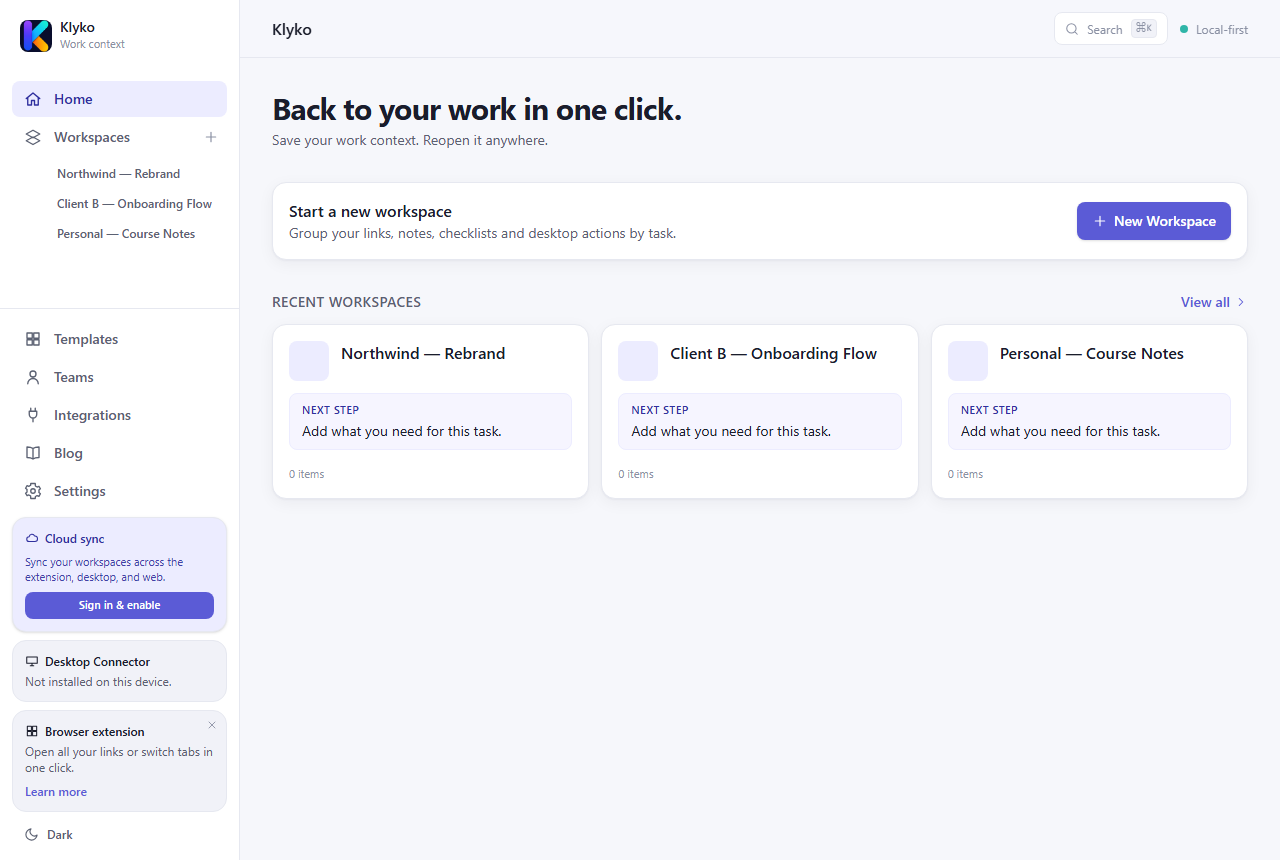
This is exactly the gap Klyko is built to close: one workspace per client (or per project), holding links, notes, checklists, files, apps and a next step together — not spread across three different tools you have to open separately. It's local-first, so it works instantly even without a connection, and with the Desktop Connector it can reopen your local files, folders and apps alongside the browser tabs, in one click.
Getting started without overhauling your workflow
You don't need to migrate everything on day one. Start with your two most active clients: create a workspace for each, drop in the links and files you reach for constantly, and write down the actual next step before you close it out. The value shows up the very next time you switch back — which, if you freelance, is usually within the hour.
Klyko is free to start, works offline first, and doesn't require an account to create your first workspace.
Save your work context. Reopen it anywhere. No account required to create your first board.
Try Klyko Free